


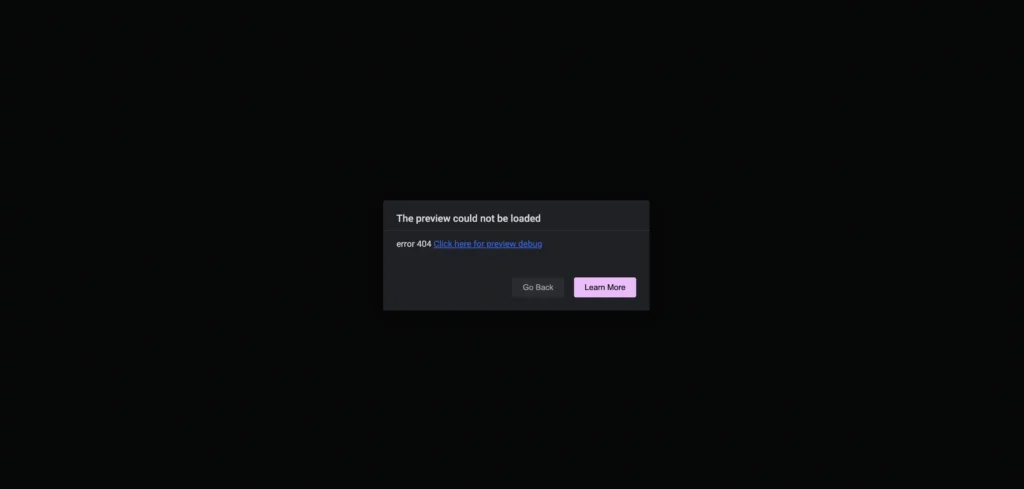
Running into an Elementor 404 error can be frustrating—your pages suddenly stop loading, links break, and your website looks completely offline to visitors.
This error not only hurts user experience but can also damage your SEO and credibility. Many site owners panic, thinking it’s a major technical issue that requires complex fixes or developer support.
The good news? In most cases, the Elementor 404 error can be fixed instantly with a simple permalink refresh—no coding, no plugins, and no stress. This quick fix restores your links and gets your site back on track in minutes.
Why Elementor Shows 404 Errors
A 404 error usually means WordPress can’t properly find the page URL. This often happens when:
- Permalink rules get corrupted
- You recently changed your theme
- A plugin update modified rewrite rules
- You migrated your site or changed hosting
When this happens, Elementor pages may exist in the database, but WordPress doesn’t know how to load them.
The One-Click Fix That Works for Most Sites
You don’t need any plugin or code to fix this.
Step-by-step solution:
- Go to WordPress Dashboard
- Navigate to Settings → Permalinks
- Don’t change anything
- Click Save Changes
That’s it.
This action refreshes WordPress rewrite rules, which immediately fixes broken URLs in most cases.
Why This Works
WordPress uses rewrite rules to map URLs to pages.
When those rules break, Elementor pages may return 404 errors even though they still exist.
Clicking Save Changes forces WordPress to rebuild those rules — restoring normal behavior.
When This Fix Is Enough (Most of the Time)
This solution works if:
- The page exists in WordPress
- Elementor editor loads but frontend shows 404
- The issue appeared after updates or migration
If your site loads correctly after this step, no further action is required.
Final Thoughts: Elementor 404 Error?
The Elementor 404 error may look serious at first, but it’s often caused by a minor permalink issue that’s easy to fix. A quick permalink refresh can instantly restore broken pages, improve site functionality, and prevent unnecessary downtime.
Before diving into complex troubleshooting or seeking technical help, try this simple solution—it saves time, protects your SEO, and gets your Elementor site running smoothly again.