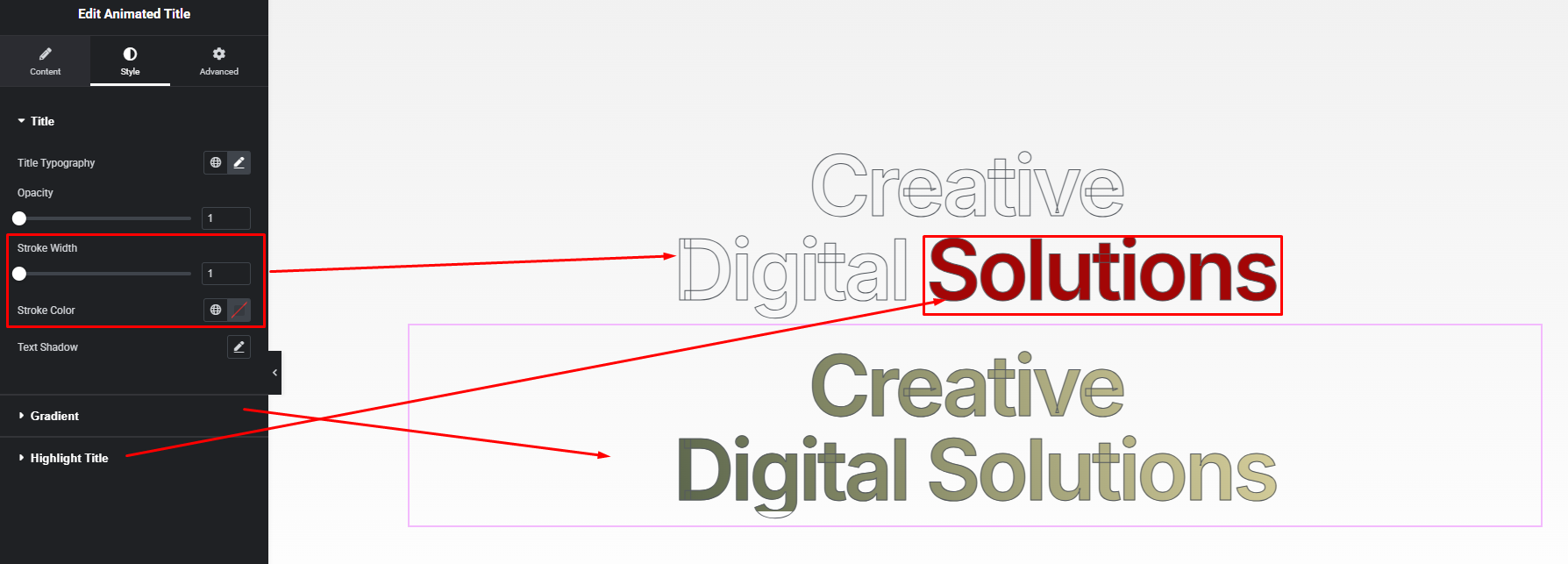


Add eye-catching motion to your headings with stylish animation effects. The Animated Title widget highlights important words or phrases using dynamic transitions—perfect for modern hero sections, product highlights, and attention-grabbing headlines. Boost engagement instantly with animated, readable, and fully customizable titles.
How to Use Animated Title Widget of Easy Elements Pro
Step 1:
Add Animated Title Widget:
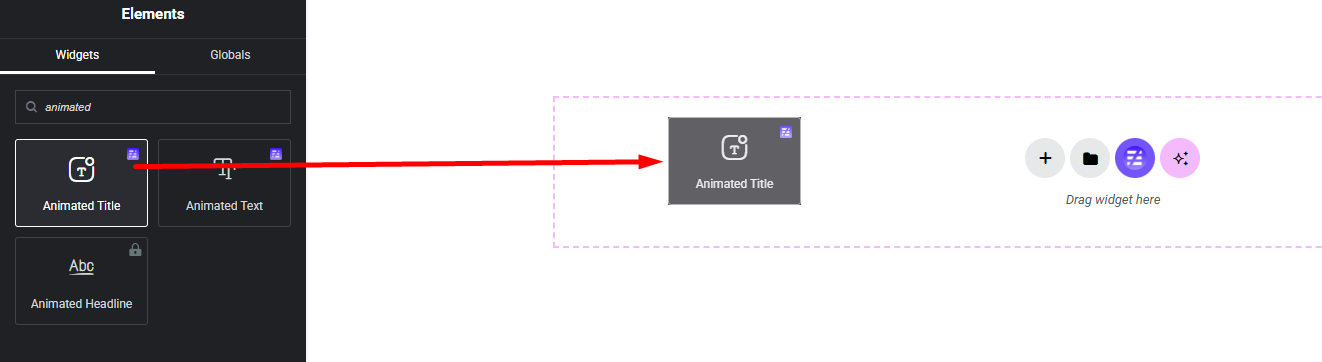
Select the Animated Title widget from the left panel, then drag and drop it into your desired area on the canvas.
Step 2:
Animated Title Settings:
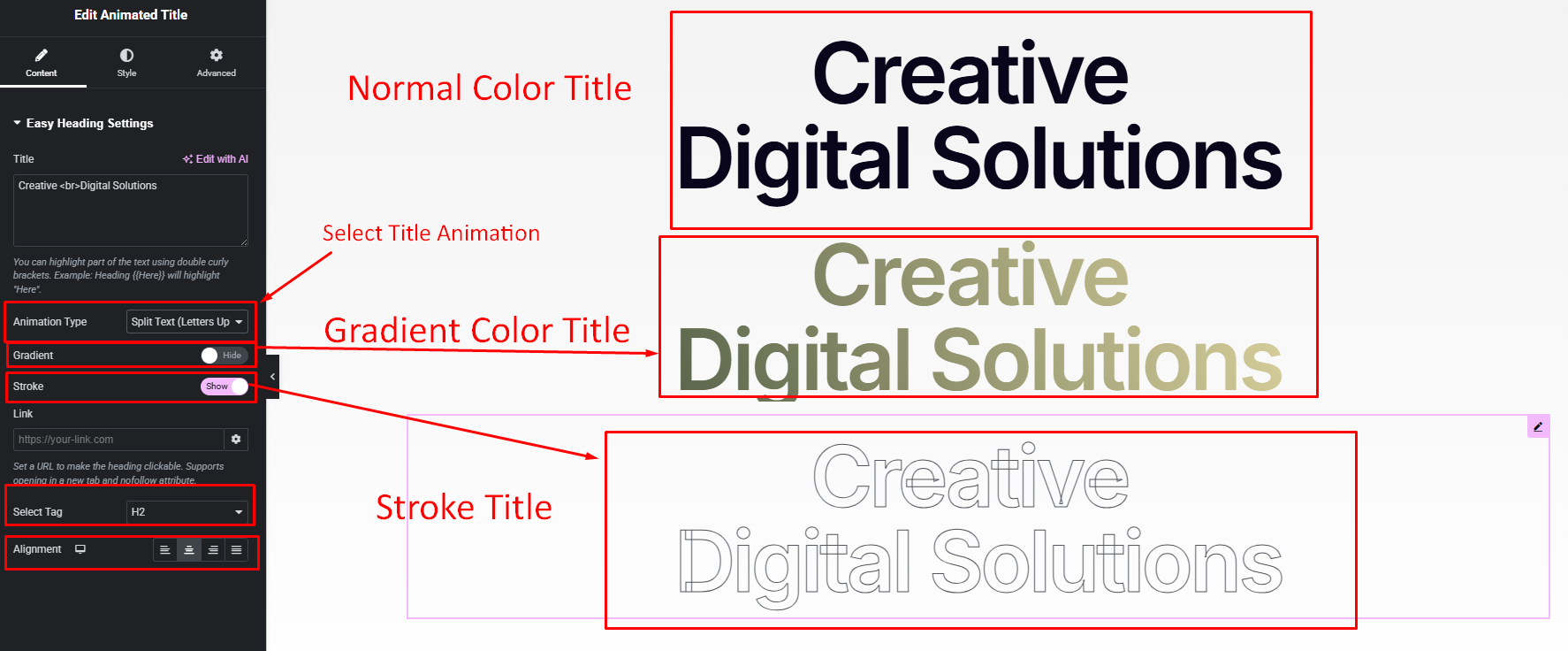
- Title (You can highlight part of the text using double curly brackets. Example: Heading {{Here}} will highlight “Here”.)
- Animation Type
- Title Gradient Color Enable / Disable
- Title Stroke Show / Hide
- Select Title Tag (default tag: h2)
- Title Alignment
Step 3:
Customize Animated Title Style:
Easily customize the style appearance of your animated title widget from the Style panel.