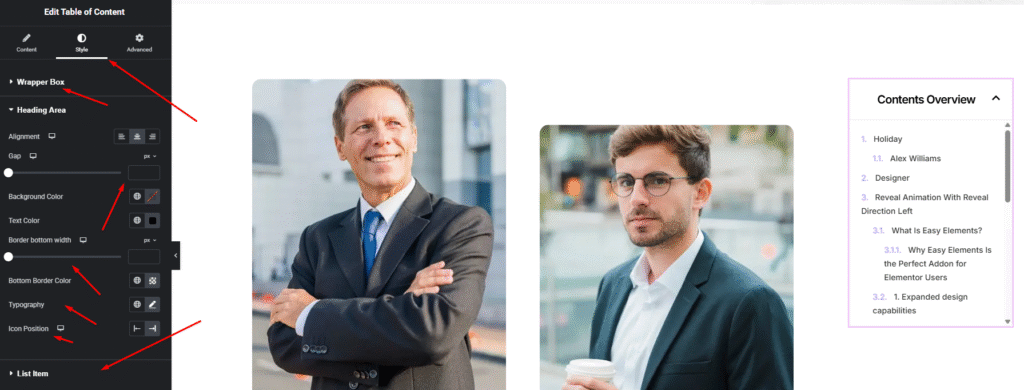
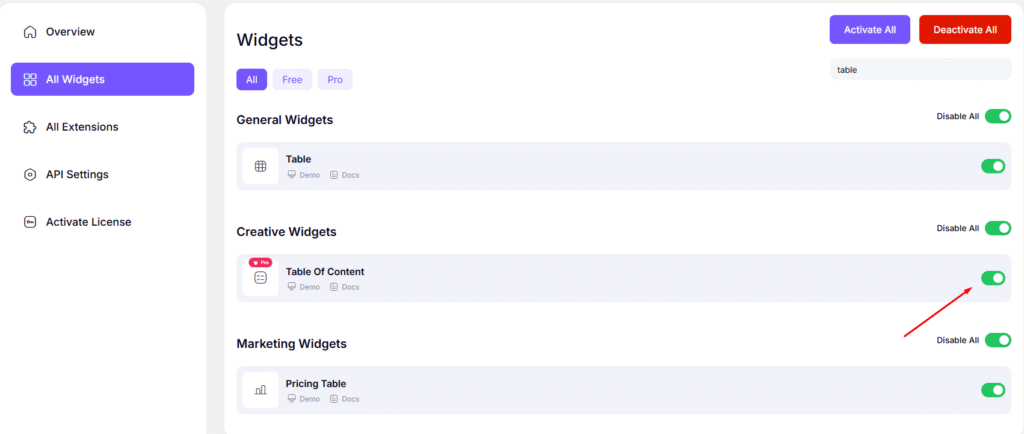
Enable Widget Here
Widget Title:
Description: Set the main heading displayed at the top of the widget (e.g., “Overview” or “In This Article”).
Include Headings:
Description: Select which heading tags (H2, H3, H4, etc.) should be automatically detected and listed in the TOC.
Exclude Headings:
Description: Enter specific CSS selectors or keywords to skip certain headings from appearing in the list.
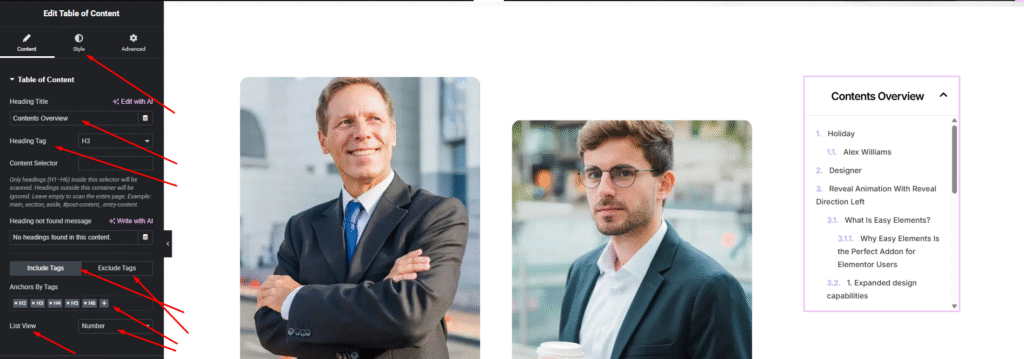
List Style:
Description: Choose how to display the list items—using bullets, numbers, or a clean minimalist list.
Marker Icon:
Description: Select a custom icon to appear next to each list item to match your brand’s visual style.
Hierarchical View:
Description: When enabled, sub-headings (like H3) will be indented under main headings (H2) for a nested structure.
Text Wrapping:
Description: Control whether long heading titles should wrap to the next line or be truncated with an ellipsis.