



The BMI Calculator widget helps users quickly calculate their Body Mass Index based on height and weight. It provides an easy way to understand body status using standard BMI ranges, making it useful for health-related websites while keeping the design simple and user-friendly.
How to Use Bmi Calculator Widget of Easy Elements Pro
Step 1:
Add Bmi Calculator Widget:
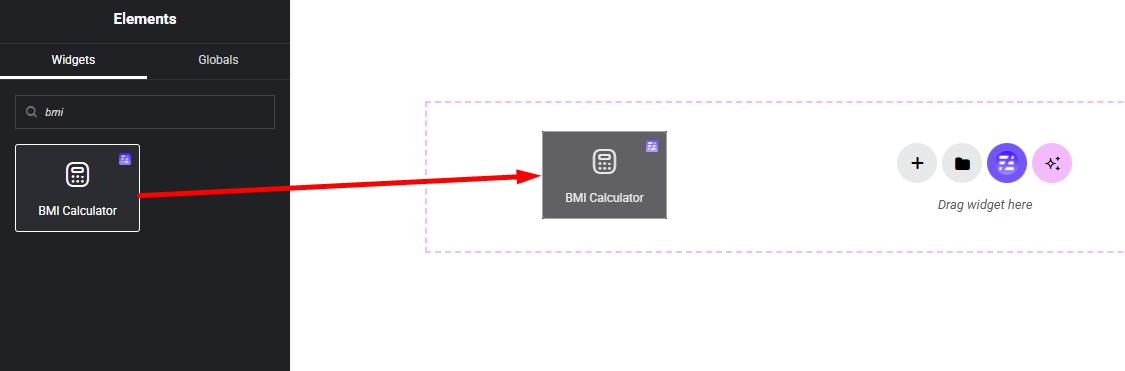
Select the Bmi Calculator widget from the left panel, then drag and drop it into your desired area on the canvas.
Step 2:
Bmi Calculator Settings:
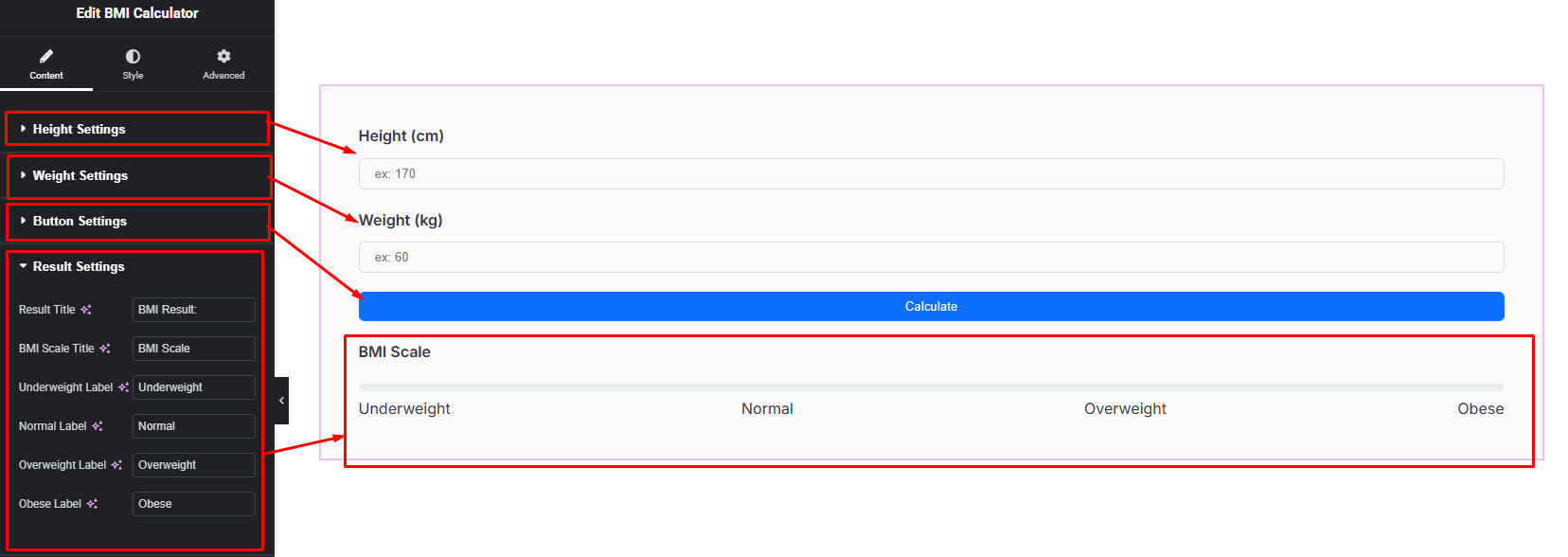
- Height Settings
- Weight Settings
- Button Settings
- Result Settings
Step 3:
Customize Bmi Calculator Style:
Easily customize your widgets appearance including Bmi Calculator Input, Input Label, Button, Result Box and others style —all from the Style panel.


