



Show the title of your blog post or custom post dynamically. Whether you’re building a single post template or a custom loop layout, this widget automatically displays the correct post title every time. Customize fonts, size, hover effects, and spacing for a modern and clean look.
How to Use Post Title Widget of Easy Elements
Step 1:
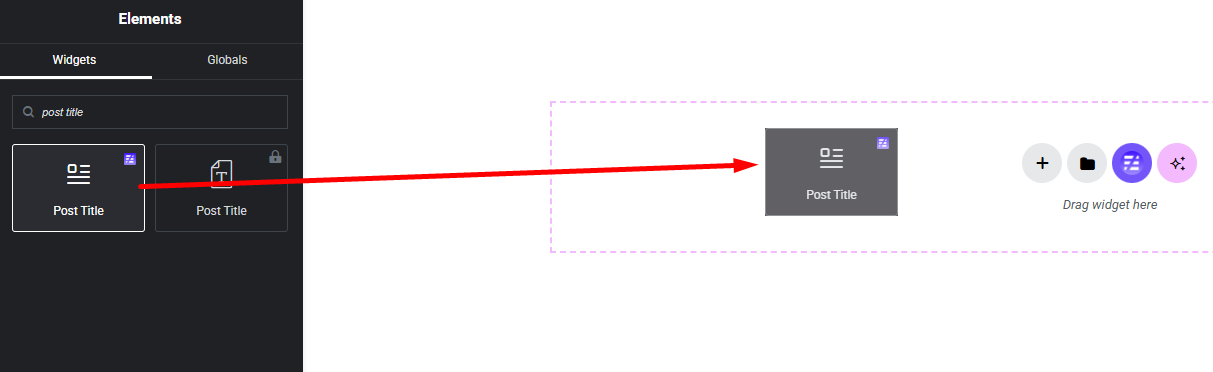
Add Post Title Widget:
Select the Post Title widget from the left panel, then drag and drop it into your desired area on the canvas.
Step 2:
Post Title Settings:
- Title HTML Tag
- Title Link Enable / Disable
- Title Alignment
- Title Style


