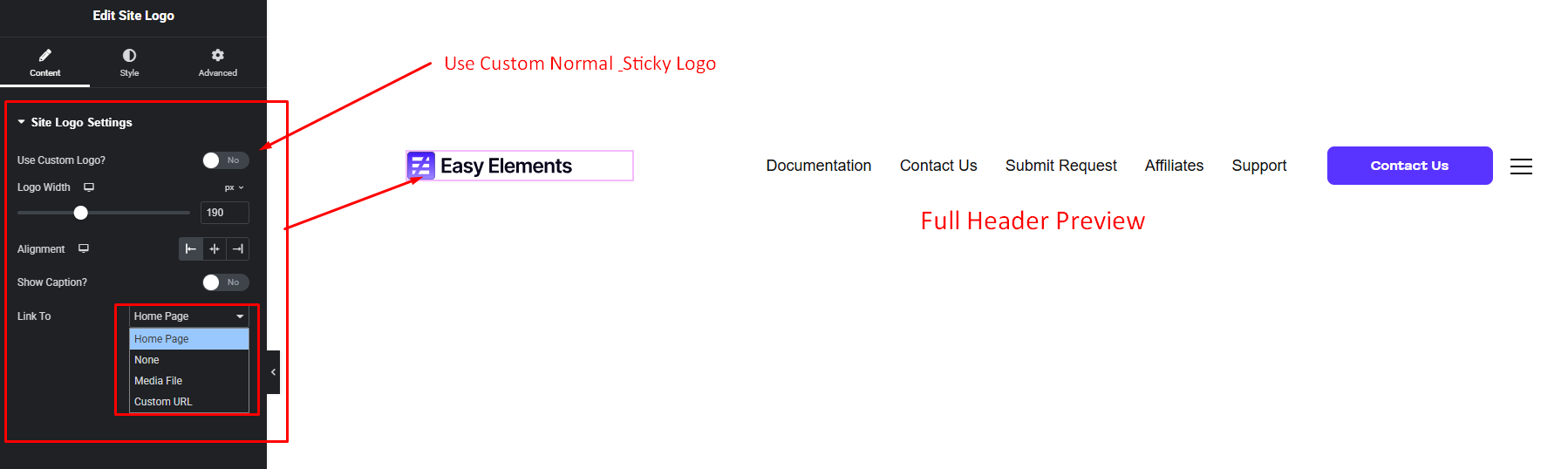


Display your website’s logo in a clean and flexible way using the Site Logo widget. Easily upload, customize, and adjust the logo to fit your design.
How to Use Site Logo Widget of Easy Elements
Step 1:
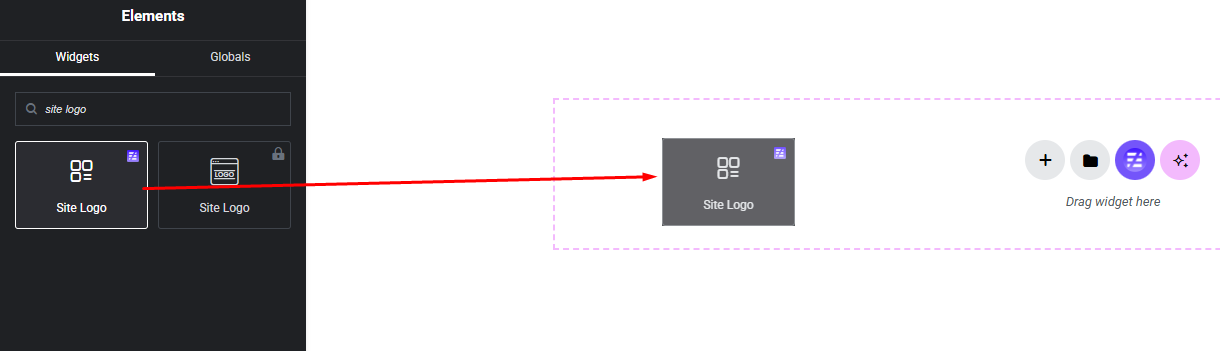
Add Site Logo Widget:
Select the Site Logo widget from the left panel, then drag and drop it into your desired area on the canvas.
Site Logo Settings:
- Custom Normal & Sticky Logo Show / Hide
- Logo Width
- Logo Alignment
- Logo Show Caption Show / Hide
- Logo Clickable Link