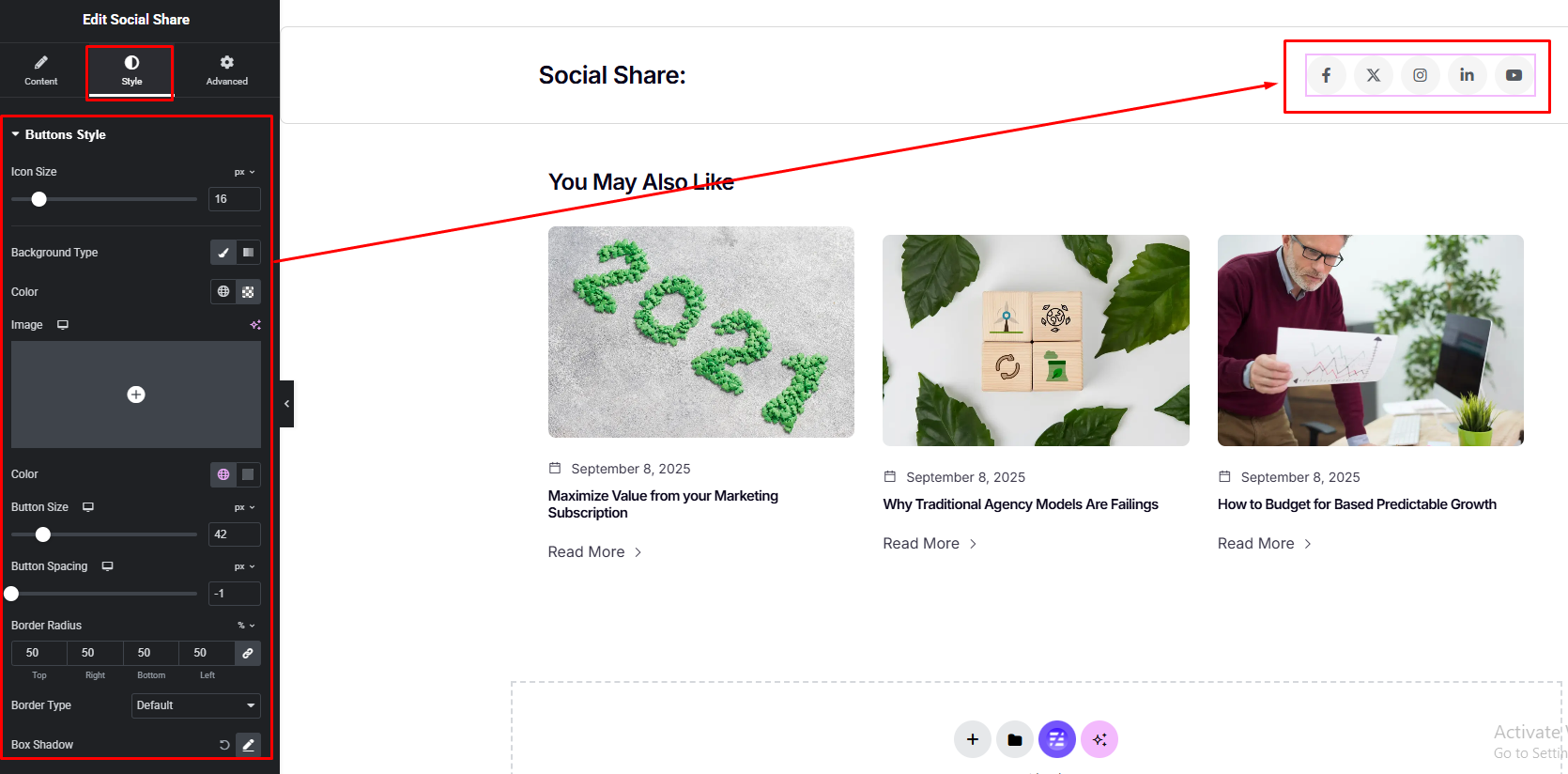


Boost your content visibility with stylish social share buttons. This widget lets visitors quickly share your posts or pages across popular social platforms. Customize icons, style, and layout to match your brand and encourage more engagement in just one click.
How to Use Social Share Widget of Easy Elements
Step 1:
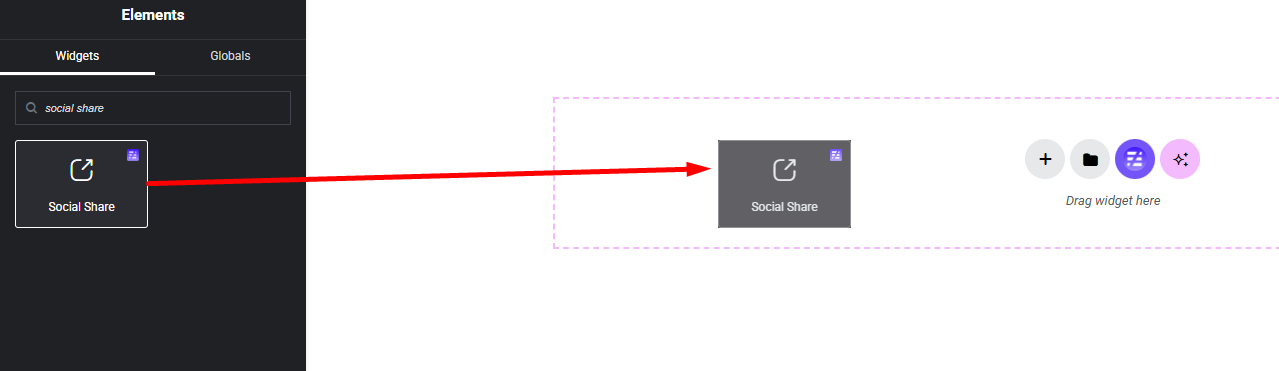
Add Social Share Widget:
Select the Social Share widget from the left panel, then drag and drop it into your desired area on the canvas.
Step 2:
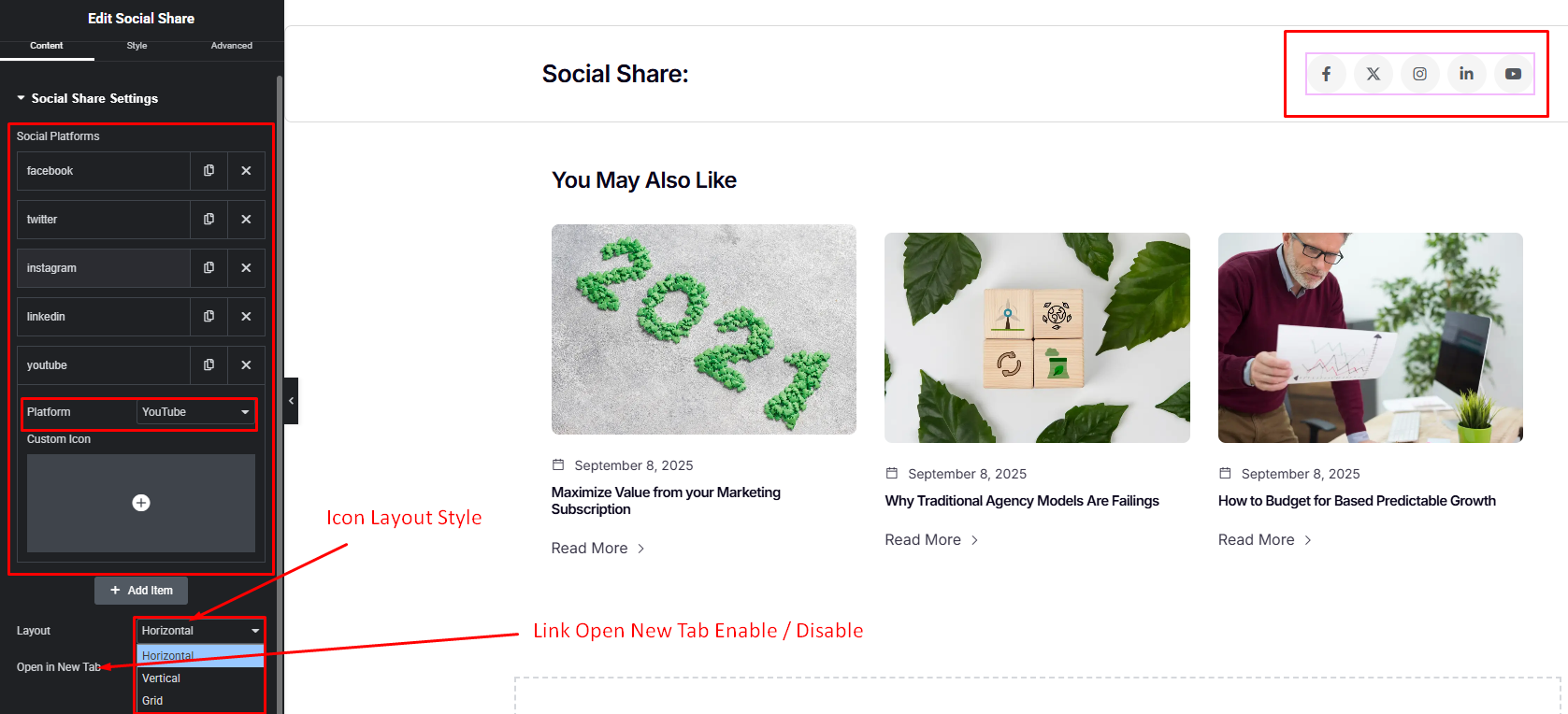
Social Share Settings:
- Social Platforms Repeater Items
- Layout Style
- New Tab Open Enable / Disable
Step 3:
Customize Social Share Style:
Easily customize your social share icon widget – from the style panel.