


Display videos on your website easily with the Video widget. Add YouTube, Vimeo, or self-hosted videos and customize the player to fit your design.
How to Use Video Widget of Easy Elements
Step 1:
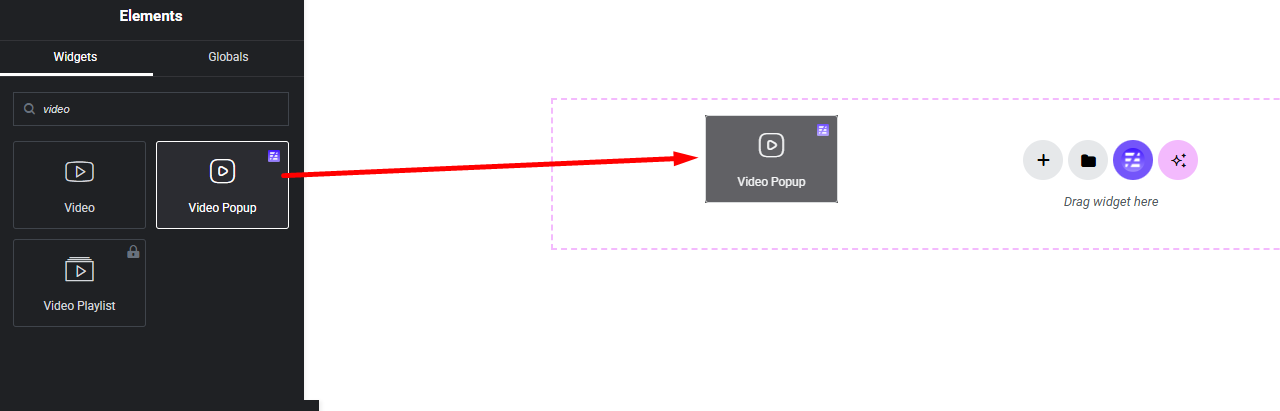
Add Video Widget:
Select the Video widget from the left panel, then drag and drop it into your desired area on the canvas.
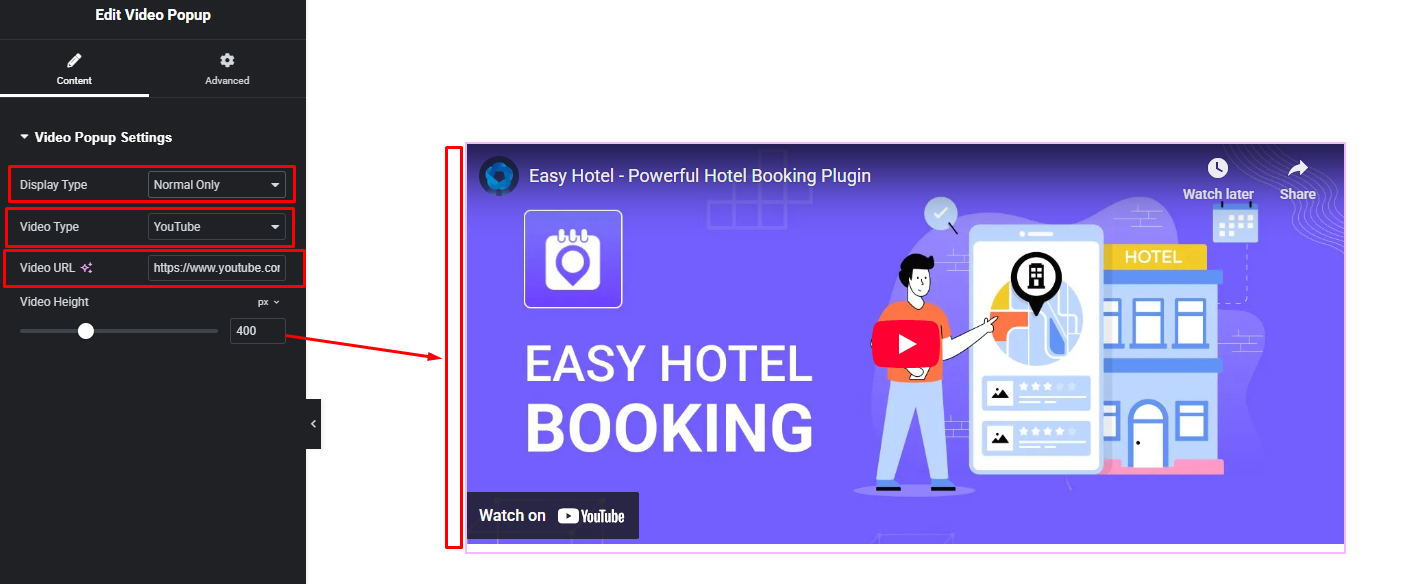
Video Settings:
- Video Open Display Type
1. Normal Open
2. Popup Open - Video Type
1. YouTube
2. Vimeo
3. Self Hosted - Video URL
- Video Height