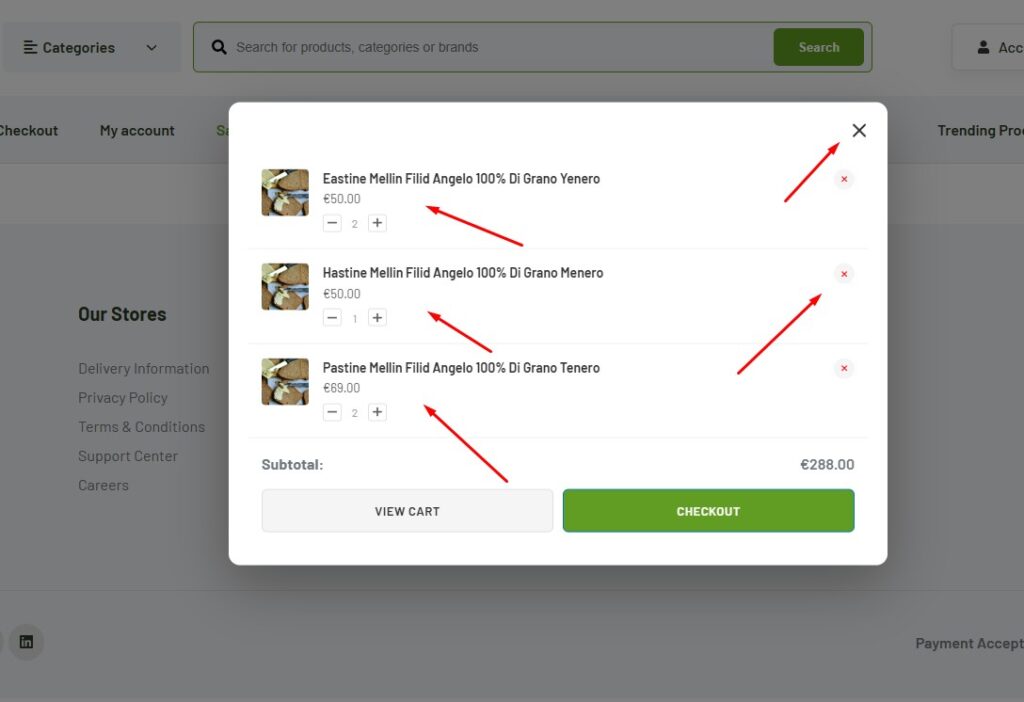
The Mini Cart widget allows users to quickly view and manage their WooCommerce cart without leaving the current page. It displays selected products, quantities, prices, and checkout options in a compact and user-friendly layout.
How to Use Mini Cart Widget of Easy Elements Pro
Step 1:
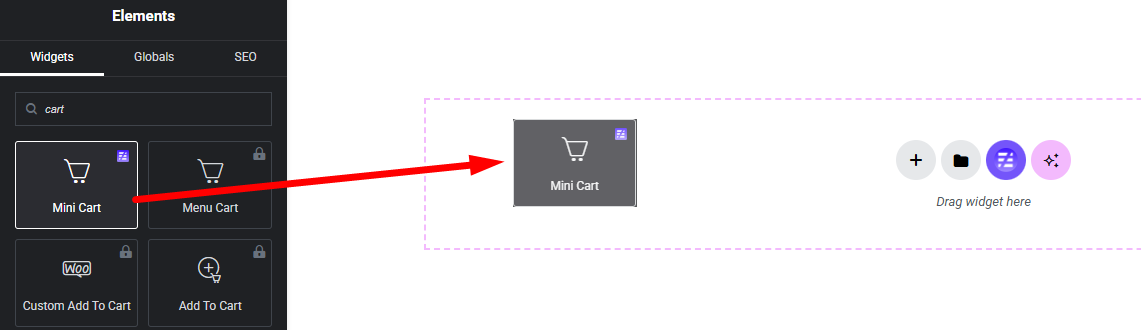
Add Mini Cart Widget:
Select the Mini Cart widget from the left panel, then drag and drop it into your desired area on the canvas.
Step 2:
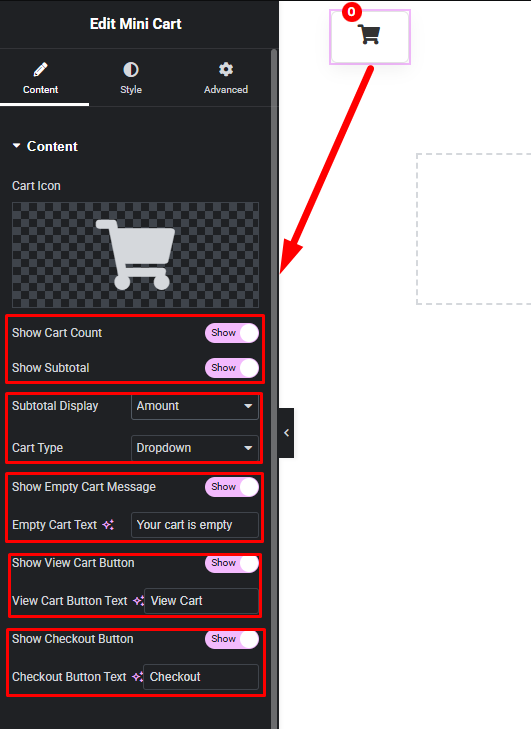
Product Mini Cart Options:
Step 3:
Customize Mini Cart Style:
Easily customize your widgets appearance including Wrapper, Icon, Cart Count, Cart Item and more style — all from the Style panel.
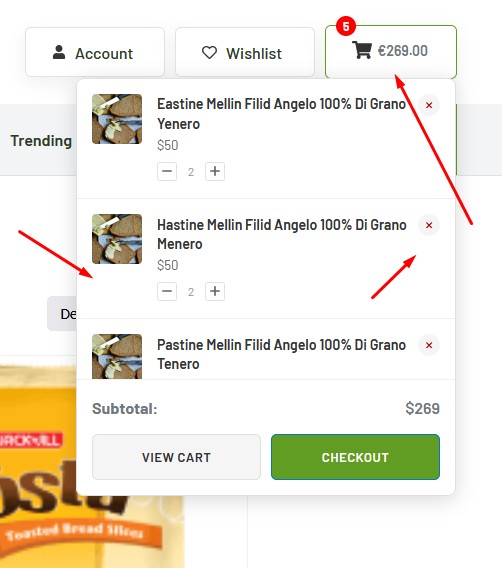
Dropdown Style ===============================
Off Canvas Style ====================
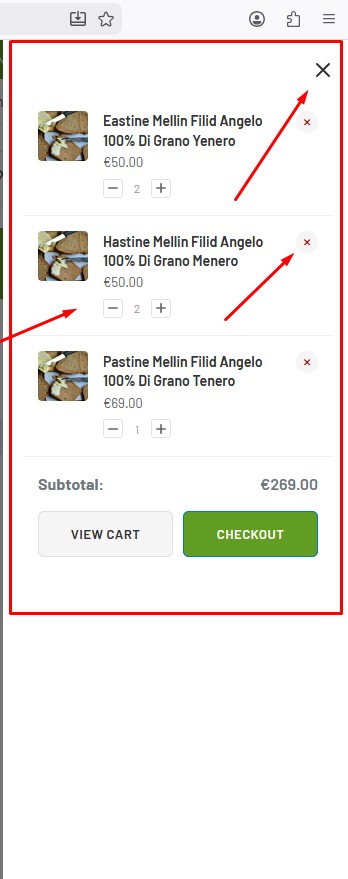
Modal Style ===============================