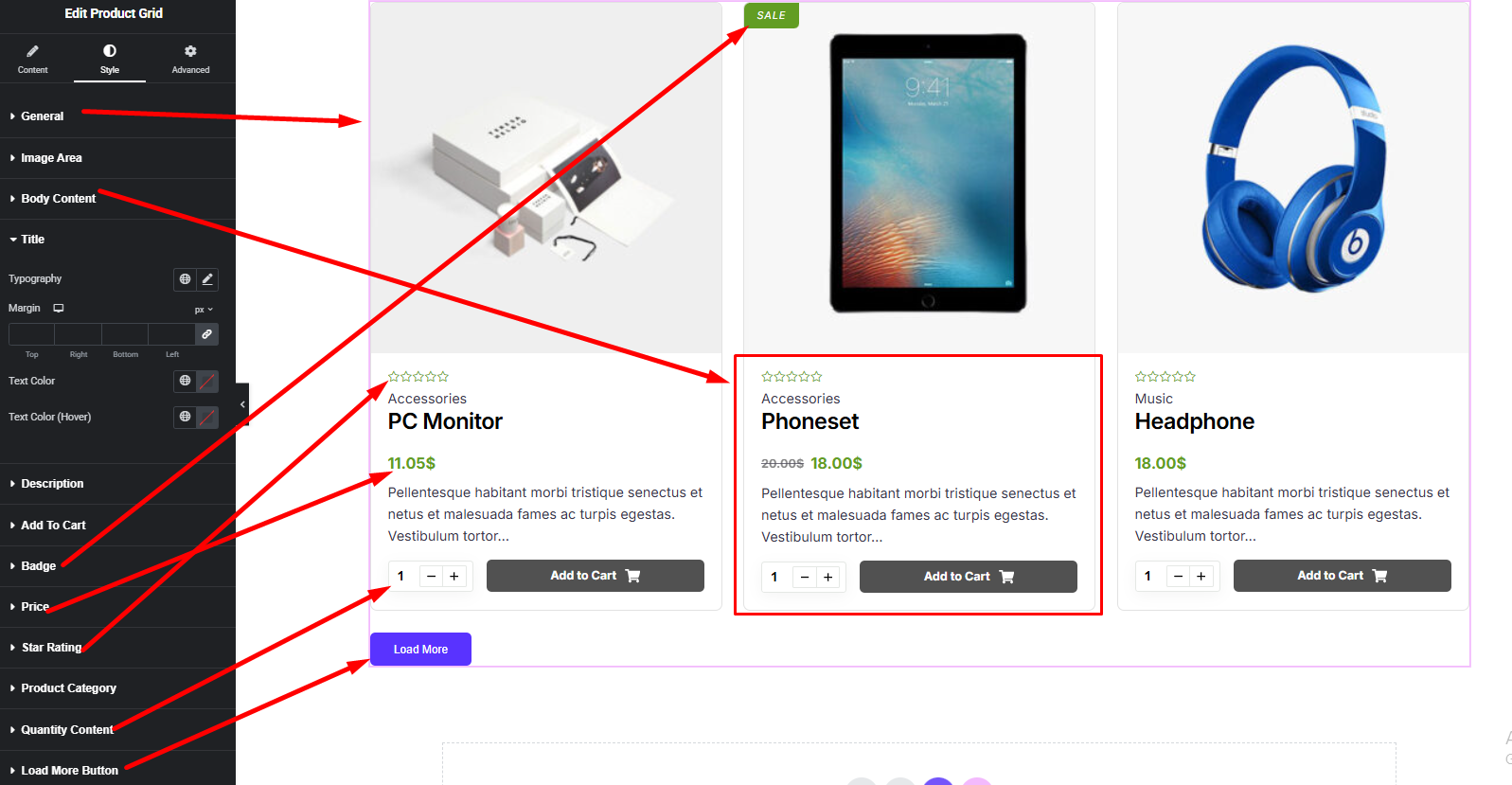
The Product List widget allows you to display WooCommerce products in a clean vertical list layout. It helps showcase product images, titles, prices, ratings, and add-to-cart buttons in a simple and easy-to-browse format.
How to Use Product List Widget of Easy Elements Pro
Step 1:
Add Product List Widget:
Select the Product List widget from the left panel, then drag and drop it into your desired area on the canvas.

Step 2:
Product List Options:
- General
- Query
- Product Display Options
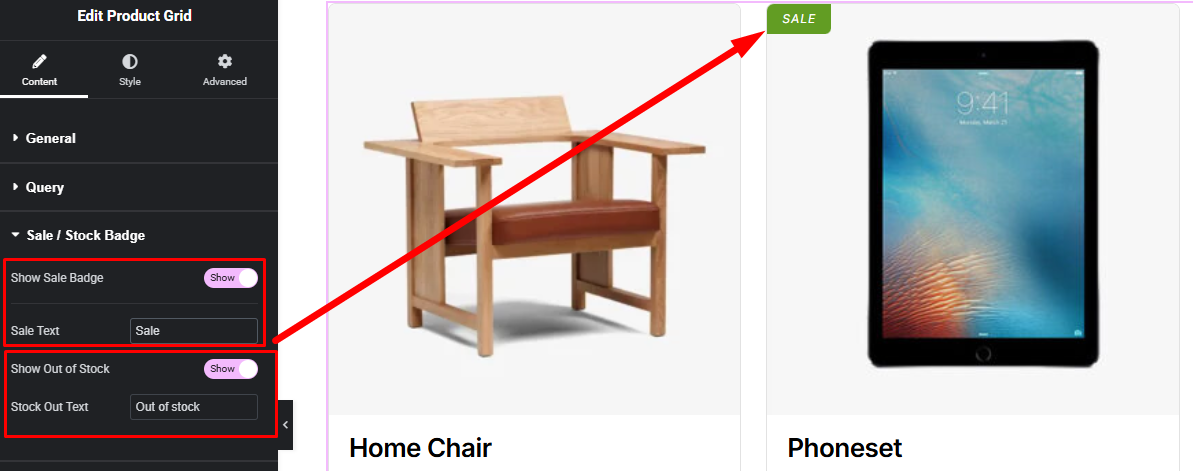
- Badge
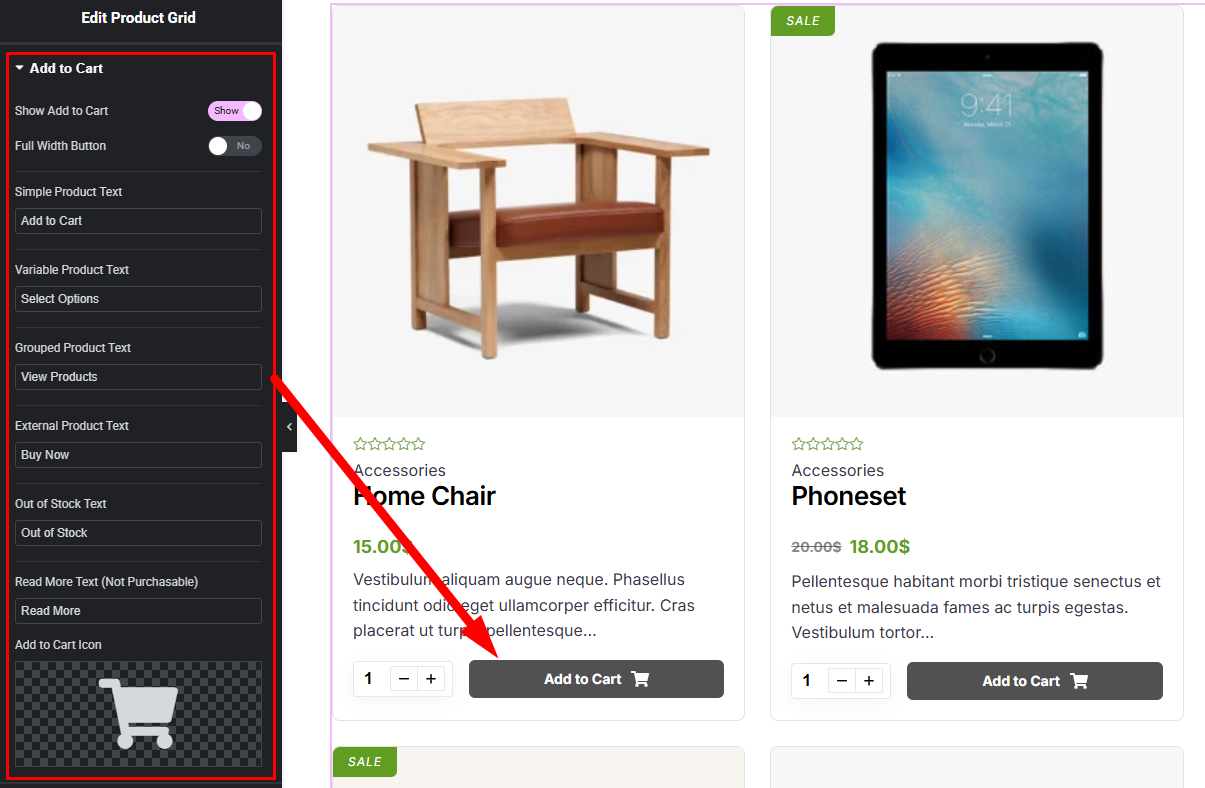
- Add to Cart
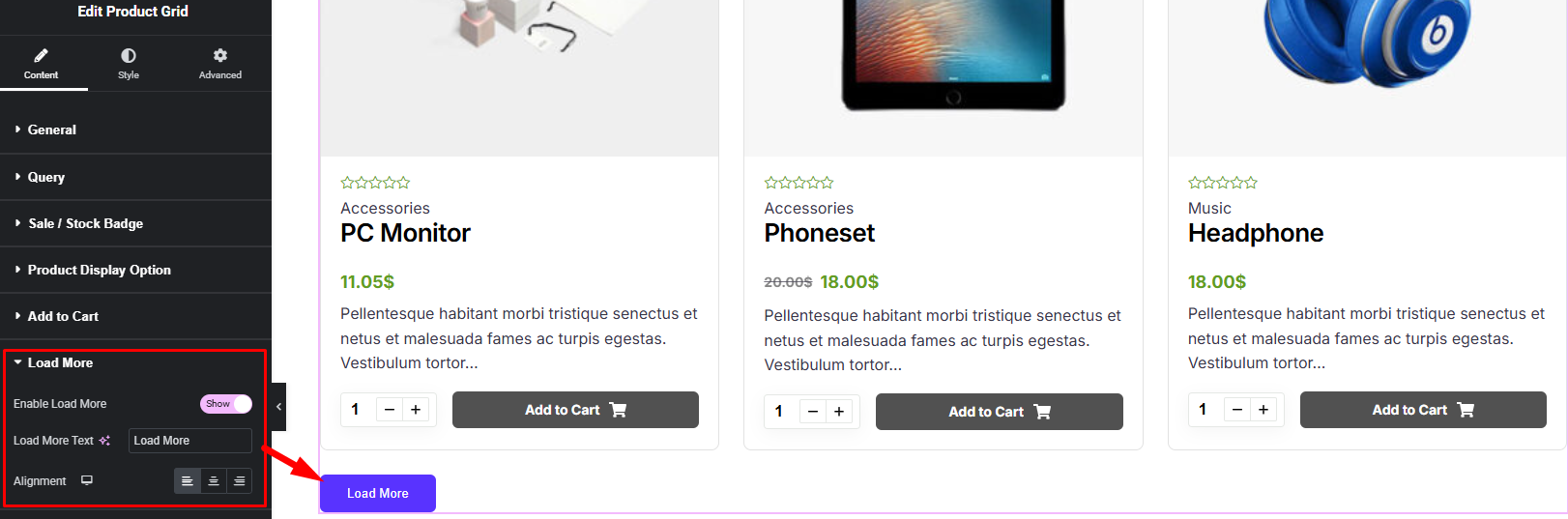
- Load More
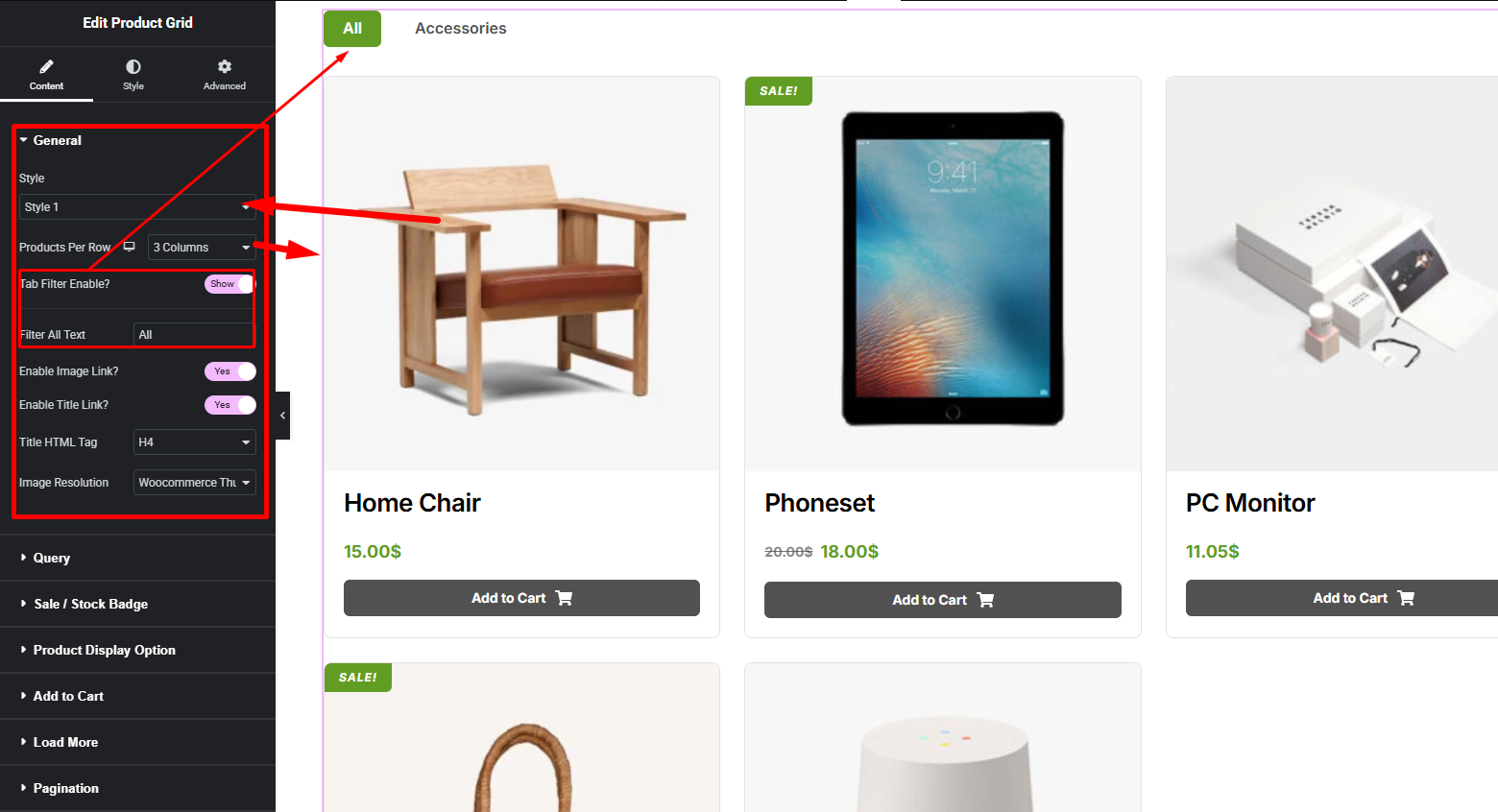
General:
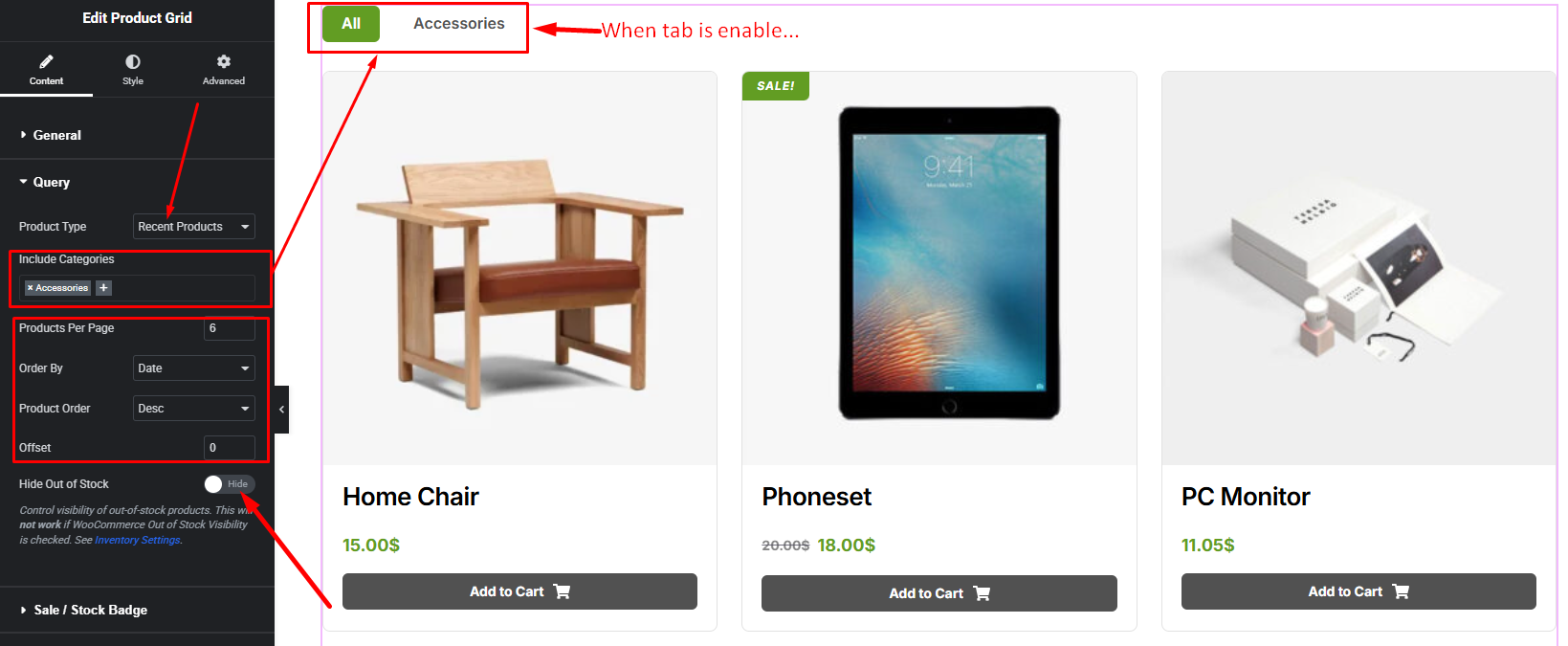
Query:
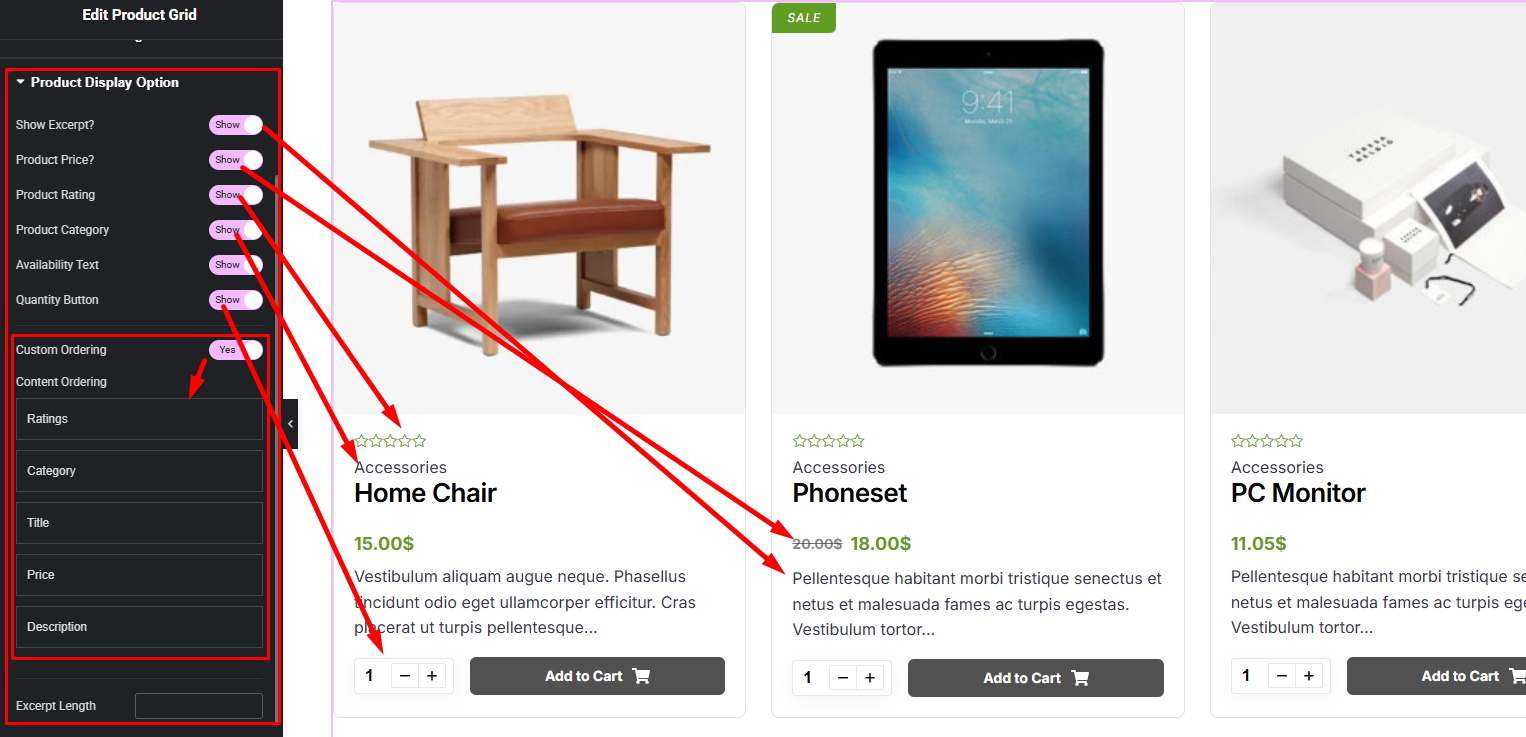
Product Display Options:
Badge:
Add to Cart:
Load More:
Step 3:
Customize Product List Style:
Easily customize your widgets appearance including Item, Title, Image, Body Content, Button and more style — all from the Style panel.