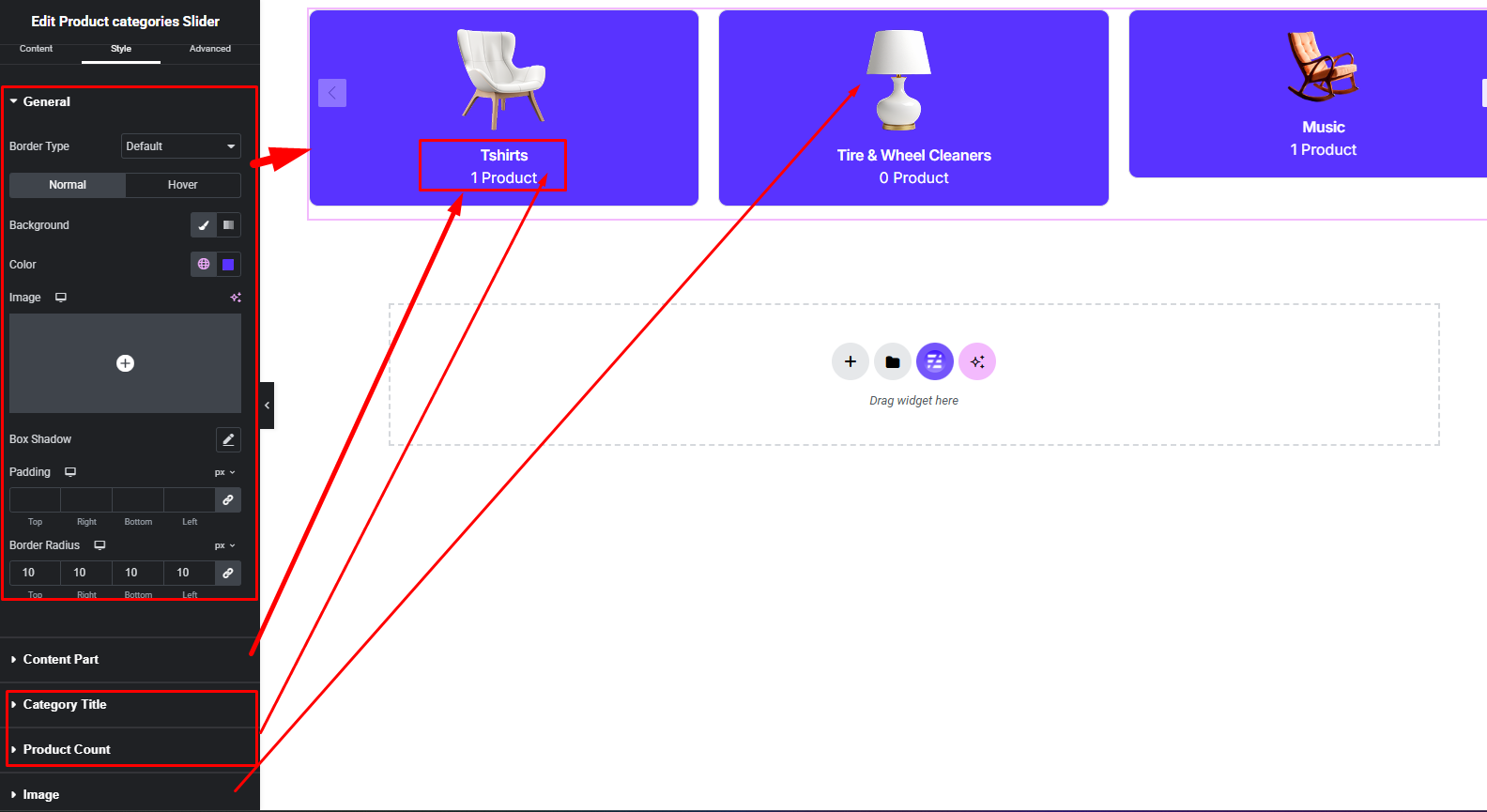

The Product Categories Slider widget lets you showcase WooCommerce product categories in a smooth sliding carousel layout. It helps highlight featured categories with images and titles in an interactive and space-saving way.
How to Use Product Categories Slider Widget of Easy Elements Pro
Step 1:
Add Product Categories Slider Widget:
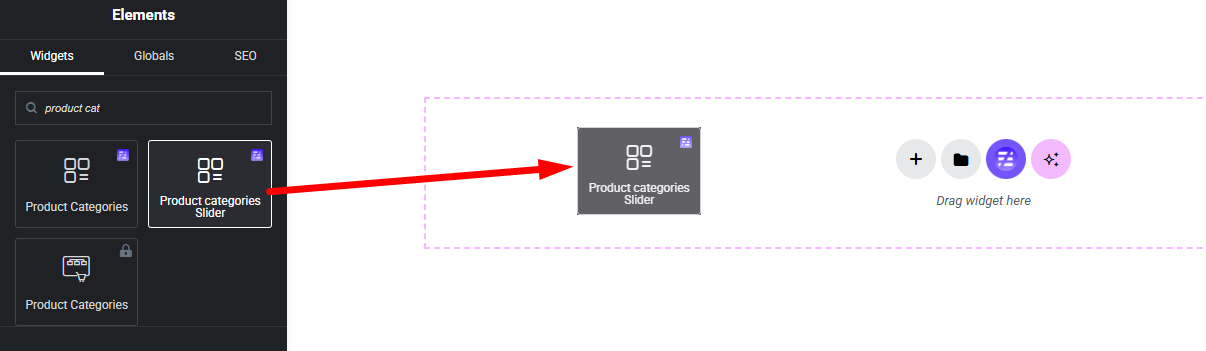
Select the Product Categories Slider widget from the left panel, then drag and drop it into your desired area on the canvas.
Step 2:
Product List Options:
- General
- Query
- Advanced Settings
- Slider Settings
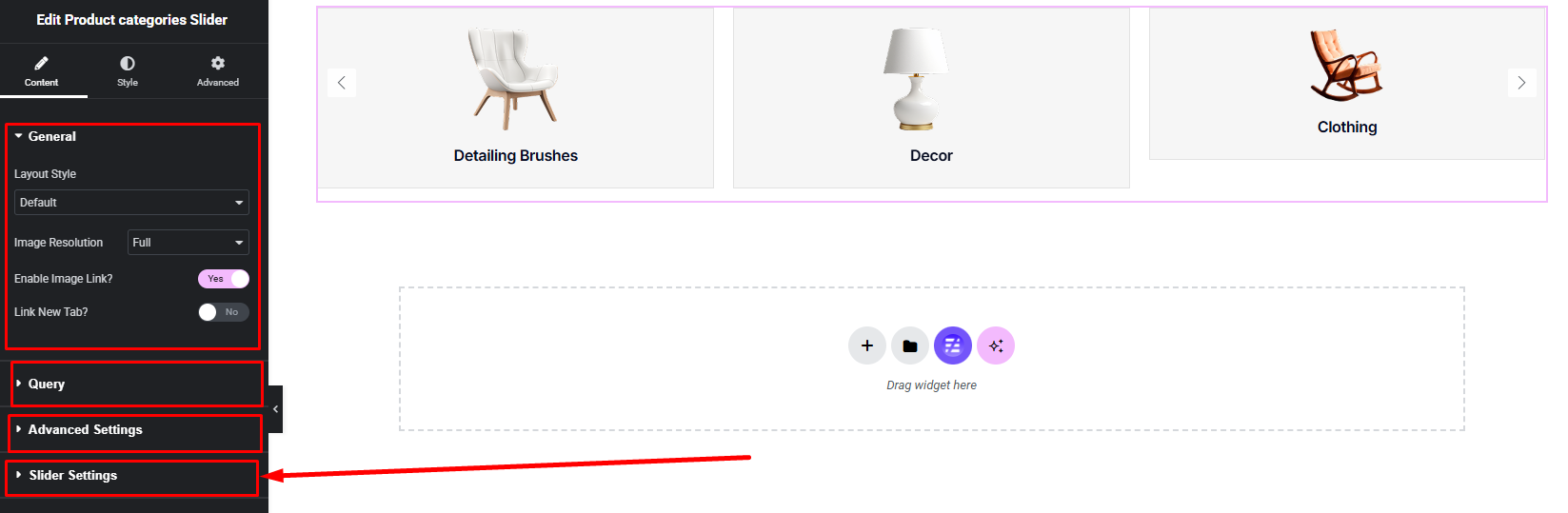
The Product Categories Slider widget settings are similar to the Product Categories widget. You can follow the Product Categories documentation to easily understand the options and setup process. Most controls work in the same way, with the additional slider settings for carousel behavior and navigation.
Step 3:
Customize Product Categories Style:
Easily customize your widgets appearance including Item, Content Part, Title, Image, Product Count style — all from the Style panel.