


Create eye-catching titles that instantly grab attention with the Rotate Text widget. This widget animates your words in a spinning or rotating style, helping you highlight important messages, offers, or keywords in a playful yet professional way. It’s perfect for hero sections, promotional banners, and headings that need extra emphasis.
You can even pair it with engaging visuals like video popups or dynamic backgrounds to enhance the overall interaction and boost user engagement.
How to Use Rotate Text Widget of Easy Elements Pro
Step 1:
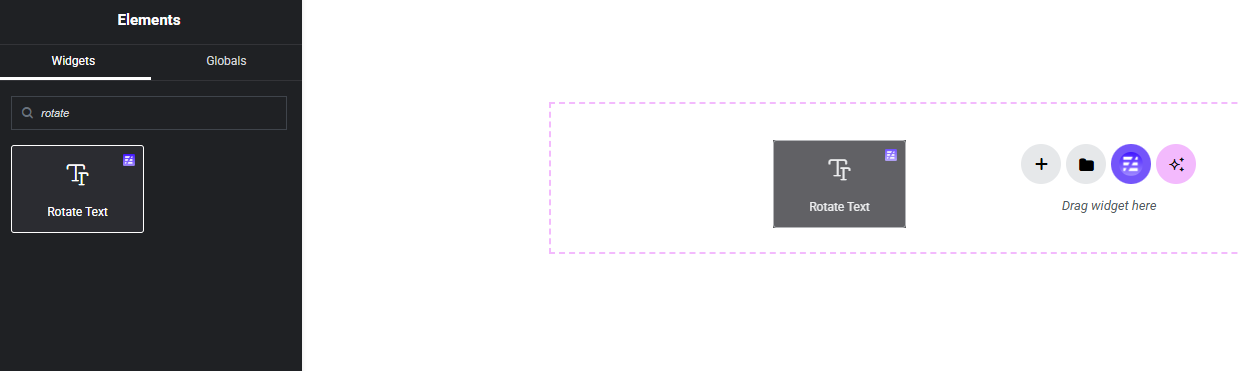
Add Rotate Text Widget:
Select the Rotate Text widget from the left panel, then drag and drop it into your desired area on the canvas.
Step 2:
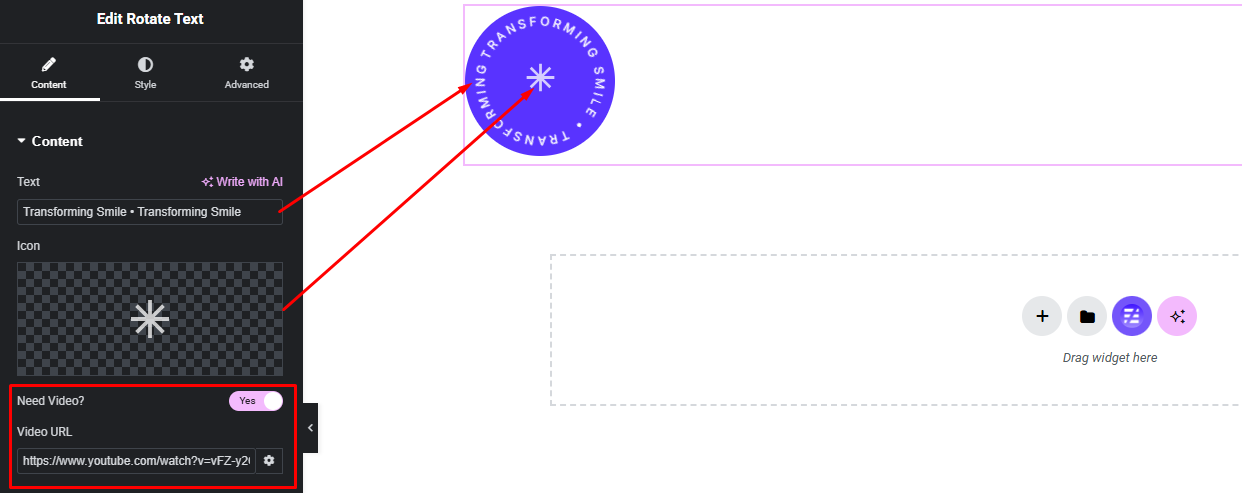
Rotate Text Settings:
- Rotate Text
- Rotate Icon
- Popup Video Enable / Disable
Step 3:
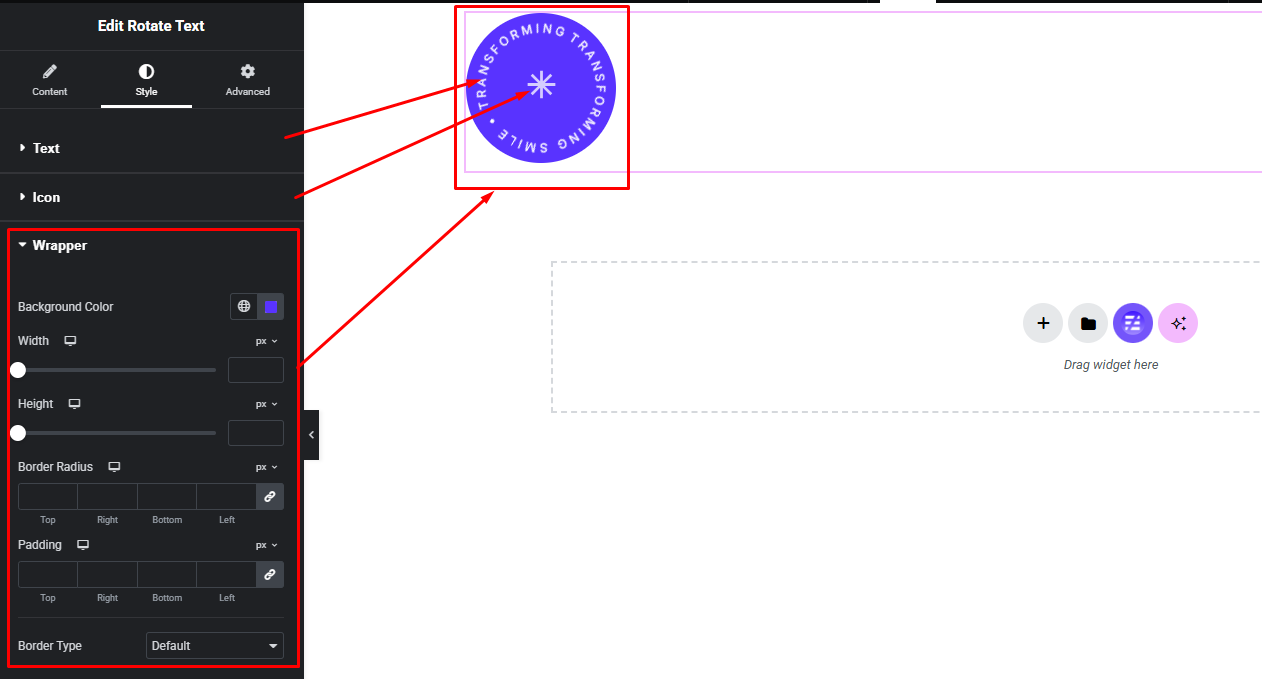
Customize Rotate Text Style:
Easily customize the style appearance of your Rotate Text widget from the Style panel.