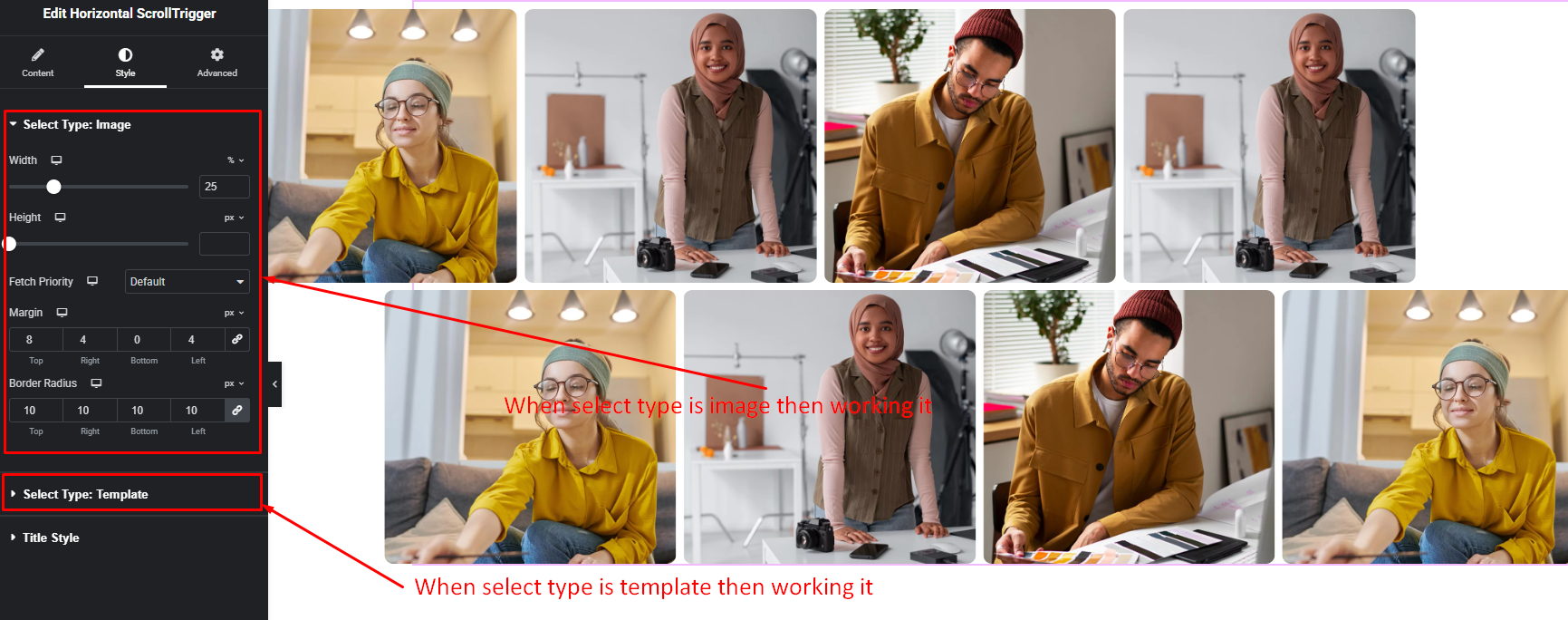



Bring your website content to life with ScrollTrigger animations. This feature lets elements animate exactly when they appear on the visitor’s screen, making scrolling more interactive and visually exciting. Text, images, icons, and sections can fade, slide, zoom, or reveal as users navigate your page.
How to Use ScrollTrigger Widget of Easy Elements Pro
Step 1:
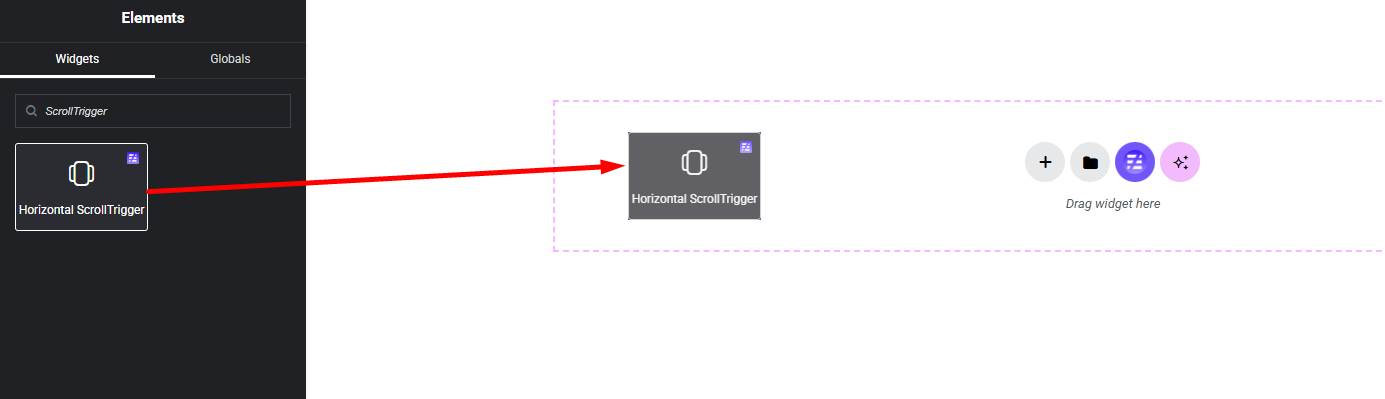
Add ScrollTrigger Widget:
Select the Horizontal ScrollTrigger widget from the left panel, then drag and drop it into your desired area on the canvas.
Step 2:
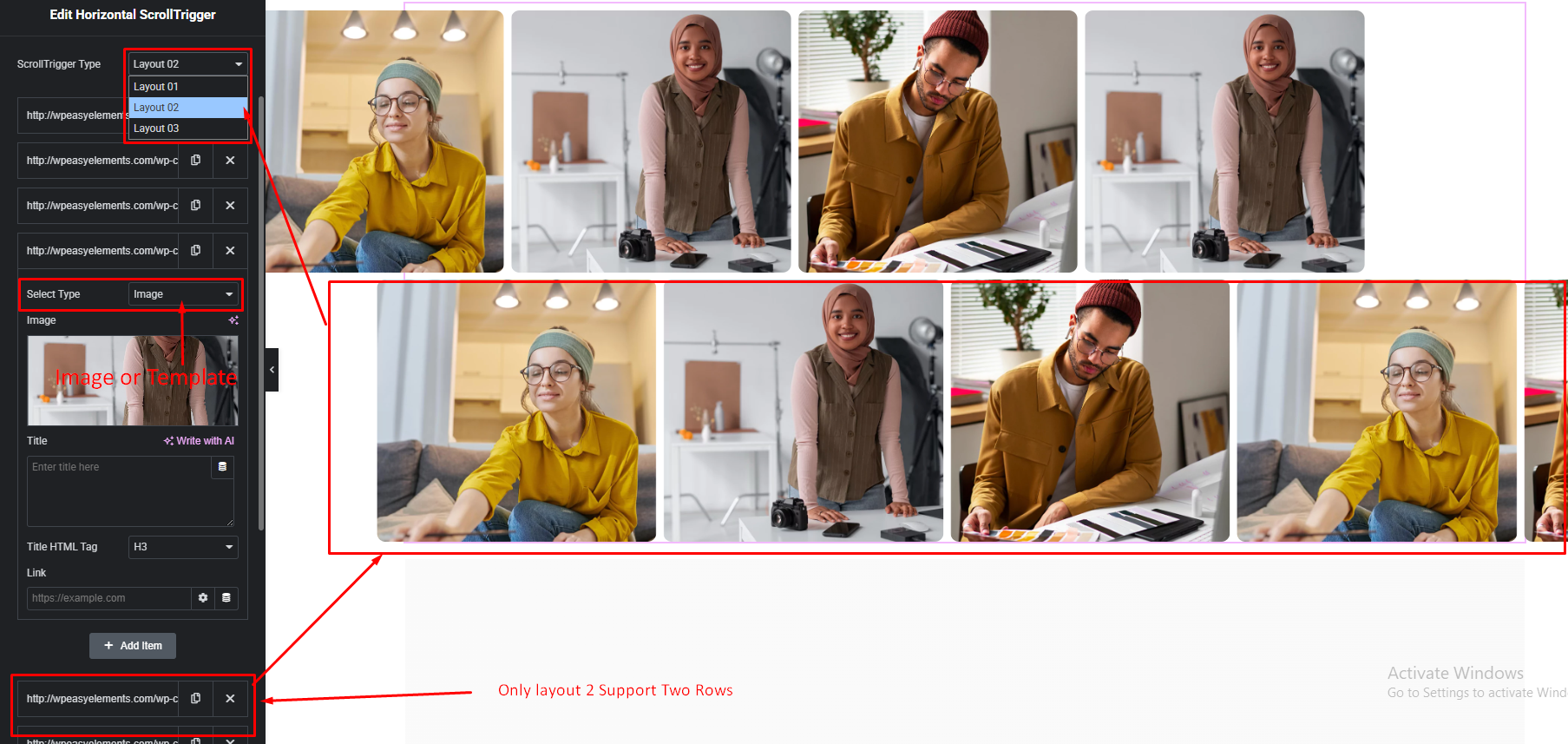
Horizontal ScrollTrigger Settings:
- ScrollTrigger Type
- Marquee Repeater Items
- Repeater Select Type
1. Select Only Image Type
2. Select Template Type
Step 3:
Customize Horizontal ScrollTrigger Style:
Easily customize your widgets appearance including ScrollTrigger items and title style — all from the Style panel.