How to use dynamic content effectively
What is dynamic content?
Dynamic content automatically changes based on data from your database, user interactions, or external sources. It allows you to display up-to-date information without manually editing text or images.
Go to Easy Elements → All Extensions → General Extension → Dynamic Content
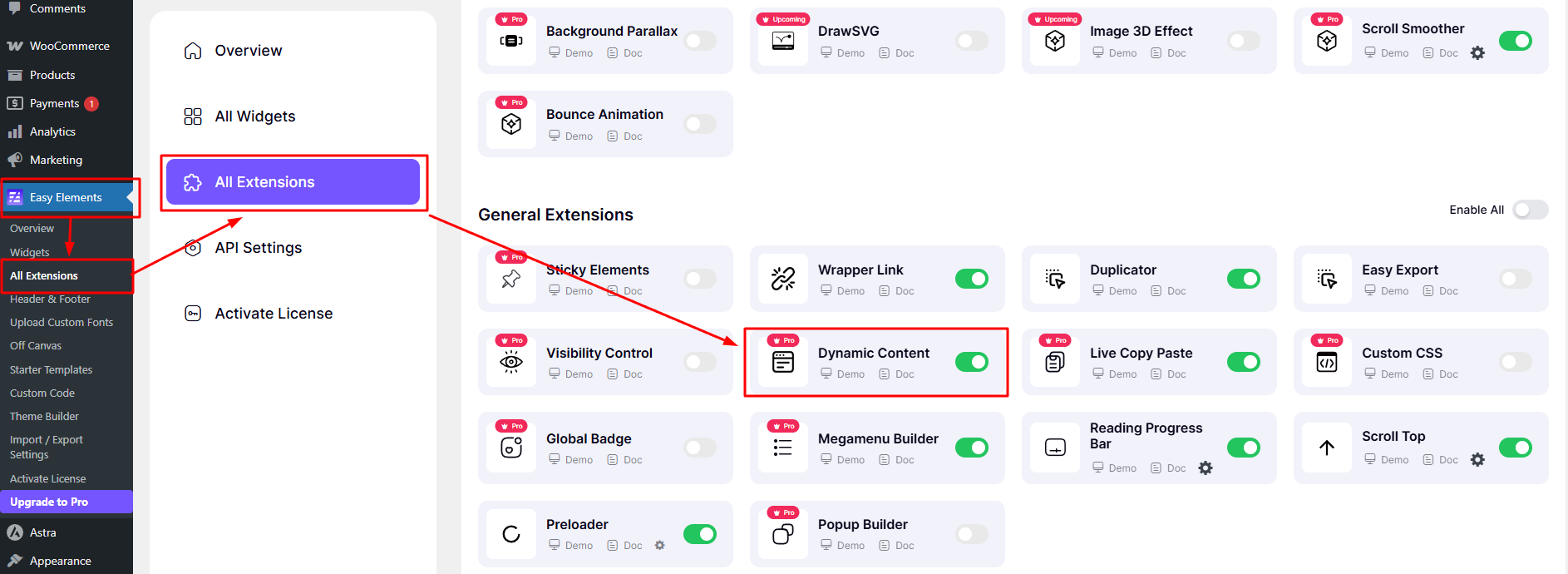
Before using dynamic content, you need to enable it first.
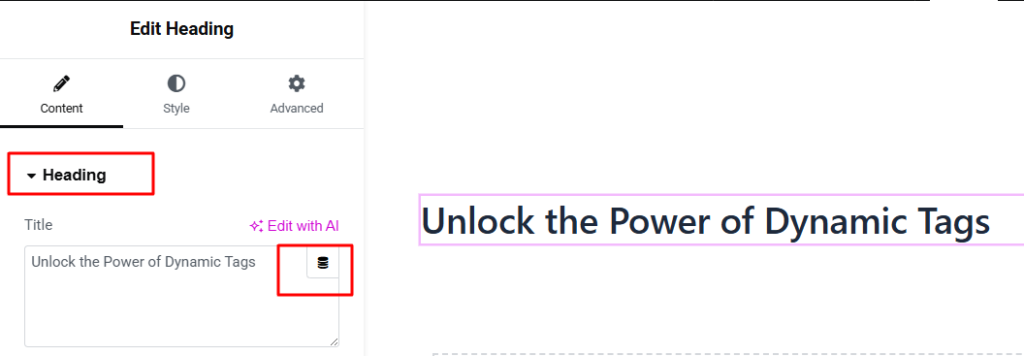
To find dynamic content, you need to go to the Elementor editor.
You can find it on the right side of the heading field—click the Dynamic Tags (stack icon) to use it.
Easy EA – Post
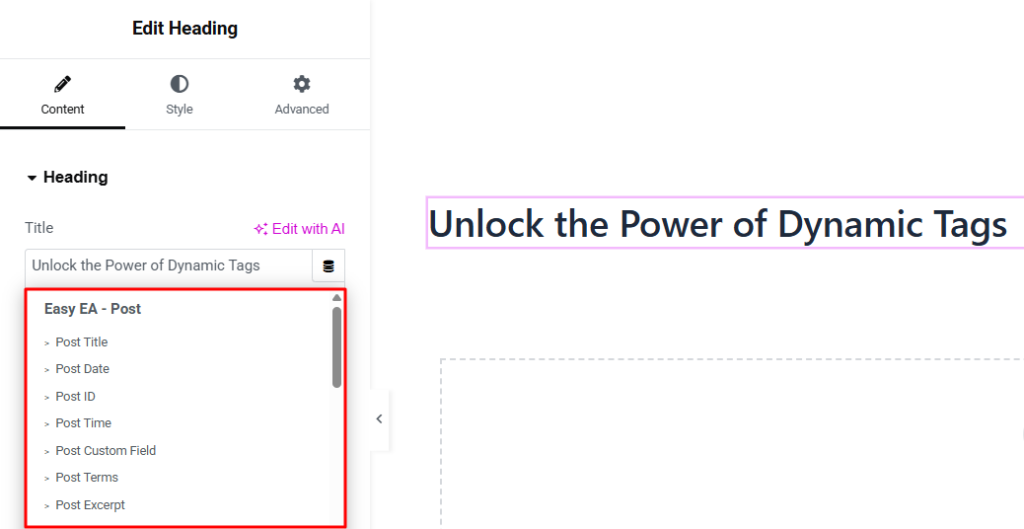
- Post Title: Displays the main heading of the current post.
- Post ID: Shows the unique WordPress identifier of the current post.
- Post Slug: Represents the URL-friendly name of the post.
- Post Date: Displays when the post was published.
- Post Time: Shows the publishing time of the post.
- Post Author: Displays the name of the content creator.
- Post Comments: Shows the total number of comments on the post.
- Post Terms: Shows assigned categories, tags, or taxonomies.
- Post Excerpt: Displays a short summary of the post content.
- Post Status: Indicates the current state of the post (publish, draft, etc.).
- Post Type: Defines the type of content (post, page, product, etc.).
- Post URL: Provides the direct link to the current post.
- Post Custom Field: Fetches custom meta data attached to the post.
Easy EA – Archive
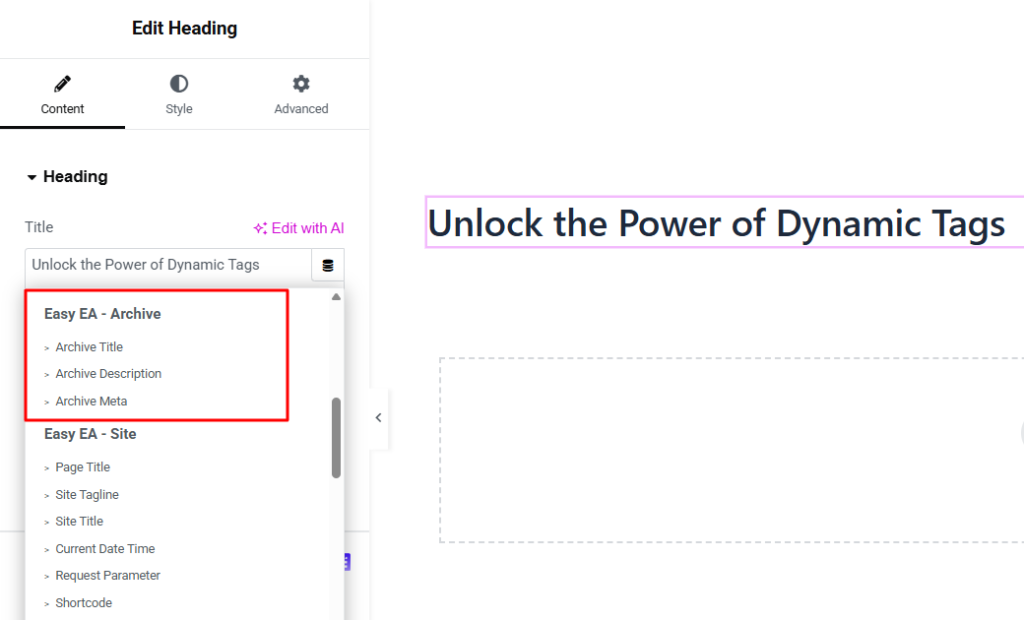
- Archive Title: Displays the title of archive pages. Used in category, tag, or archive headings.
- Archive Description: Shows description of the archive page, Used in intro sections.
- Archive Meta: Displays additional archive information. Used for taxonomy metadata.
Easy EA – Terms
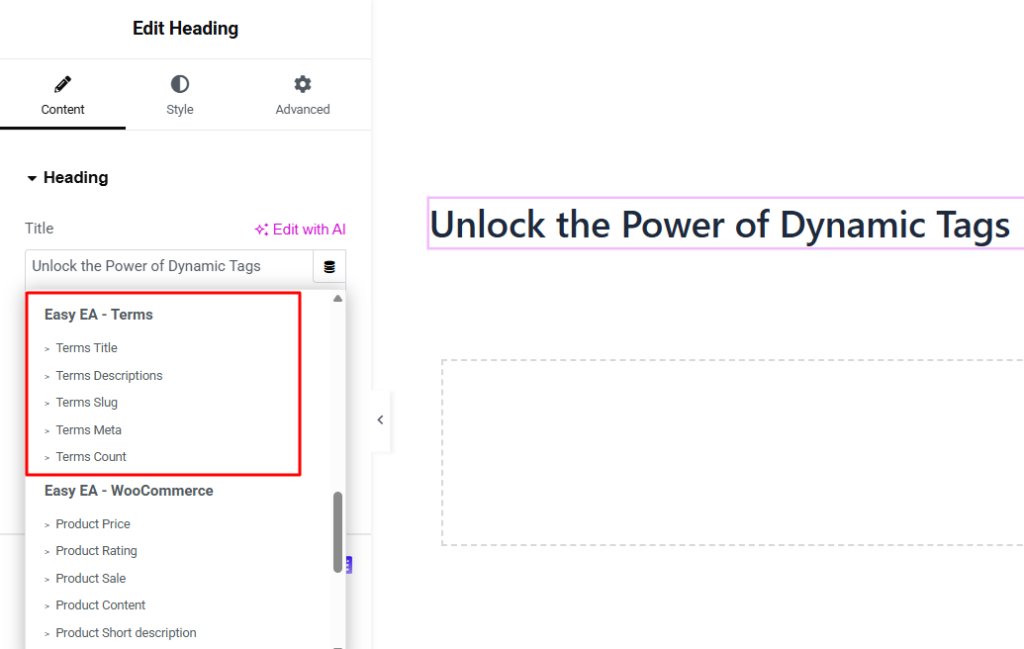
- Terms Title: Displays taxonomy name (category/tag). Used in headings.
- Terms Descriptions: Shows description of taxonomy. Used in info sections.
- Terms Slug: Displays URL-friendly term name. Used in links.
- Terms Meta: Shows additional taxonomy data. Used for custom metadata.
- Terms Count: Displays number of posts in a term. Used for category stats.
Easy EA – Media
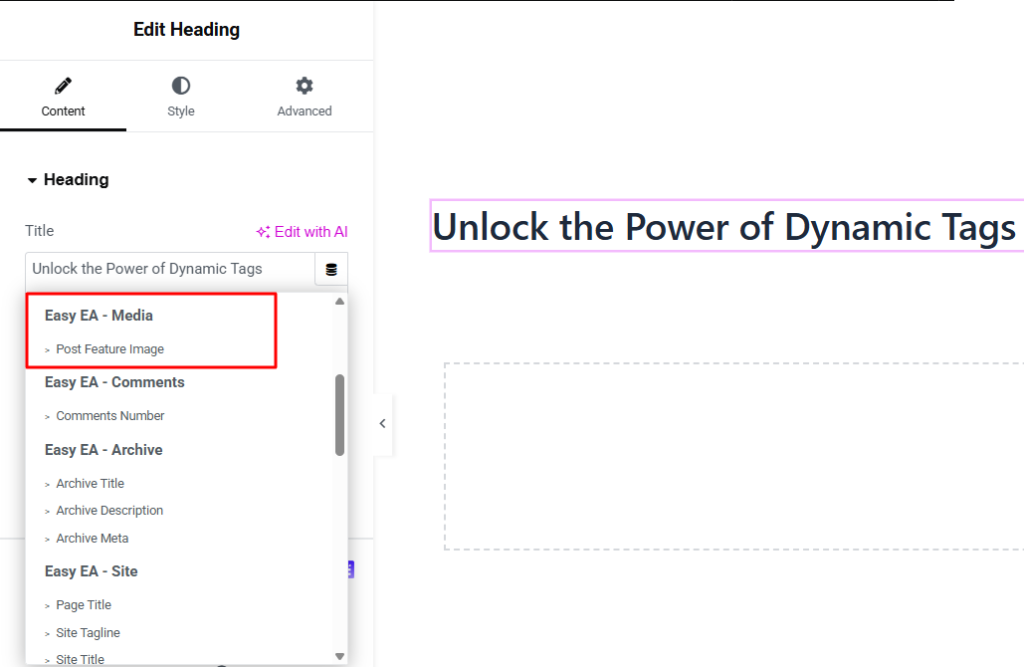
- Post Feature Image: Displays the featured image url of the post.
Easy EA – Users
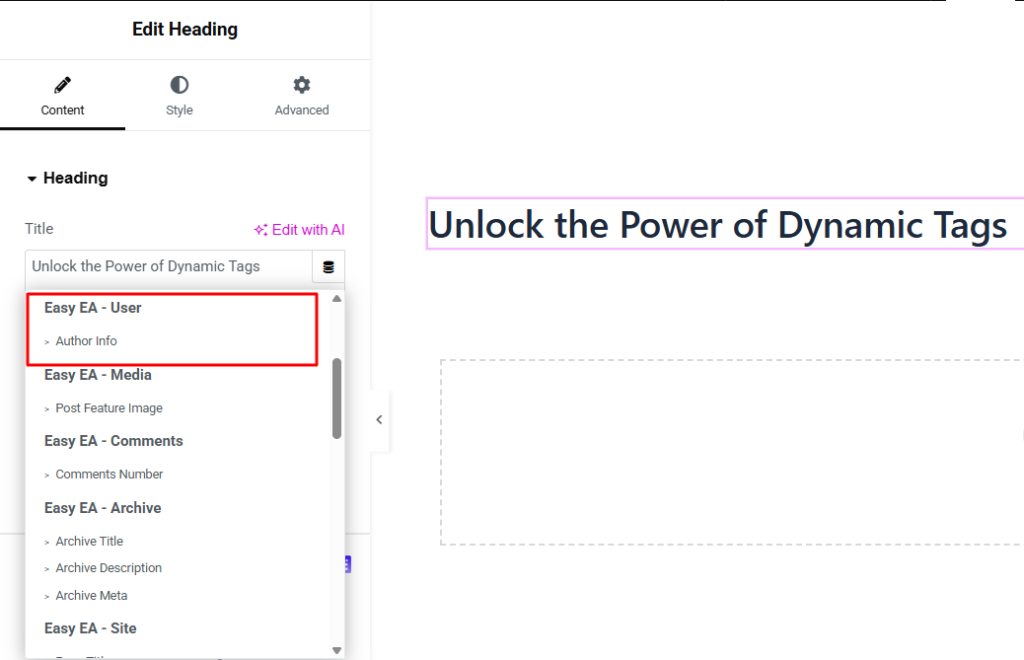
- Author Info: Displays information about the post author. Used for author box or profile sections.
Easy EA – Comments
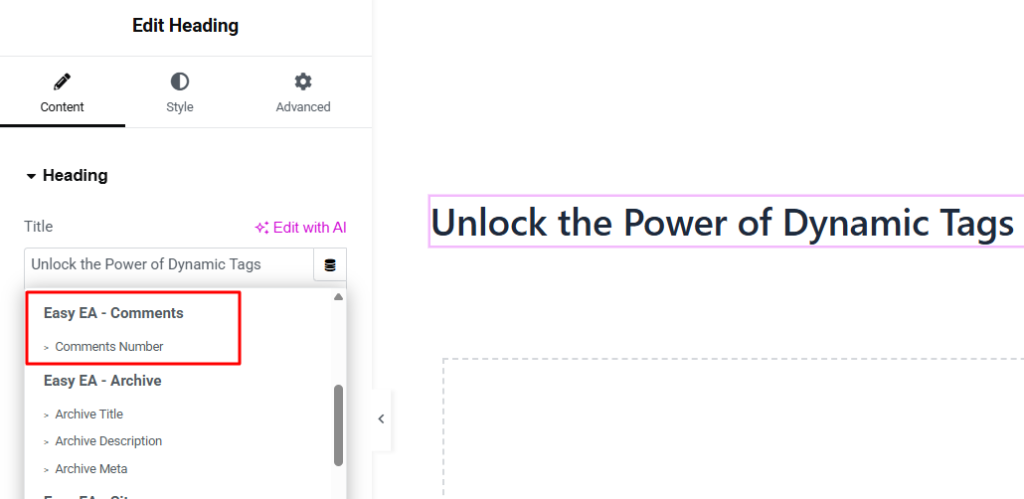
- Comments Number: Shows total number of comments. Used for showing post engagement.
Easy EA – Sites
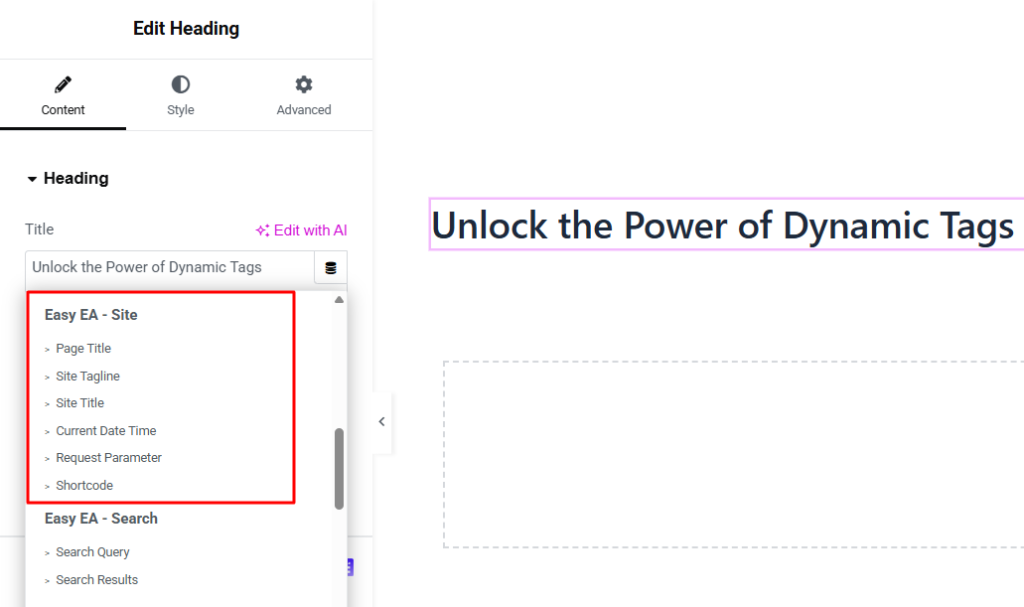
- Page Title: Shows the current page title. Used in headings.
- Site Tagline: Displays website tagline. Used for branding text.
- Site Title: Shows the website name. Used in headers and logos.
- Current Date Time: Displays live date and time. Used for dynamic clock display.
- Request Parameter: Fetches value from URL parameters. Used for dynamic filtering.
- Shortcode: Renders WordPress shortcode output. Used for embedding features.
Easy EA – Search
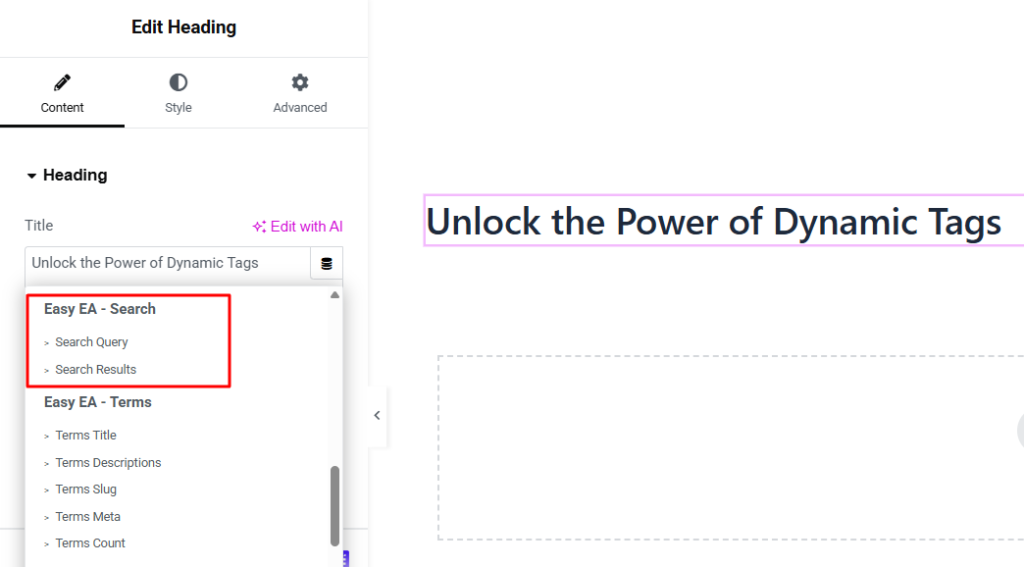
- Search Query: Displays user search keyword. Used in search result pages.
- Search Results: Shows number of search results found. Used in result summary.
Easy EA – WooCommerce
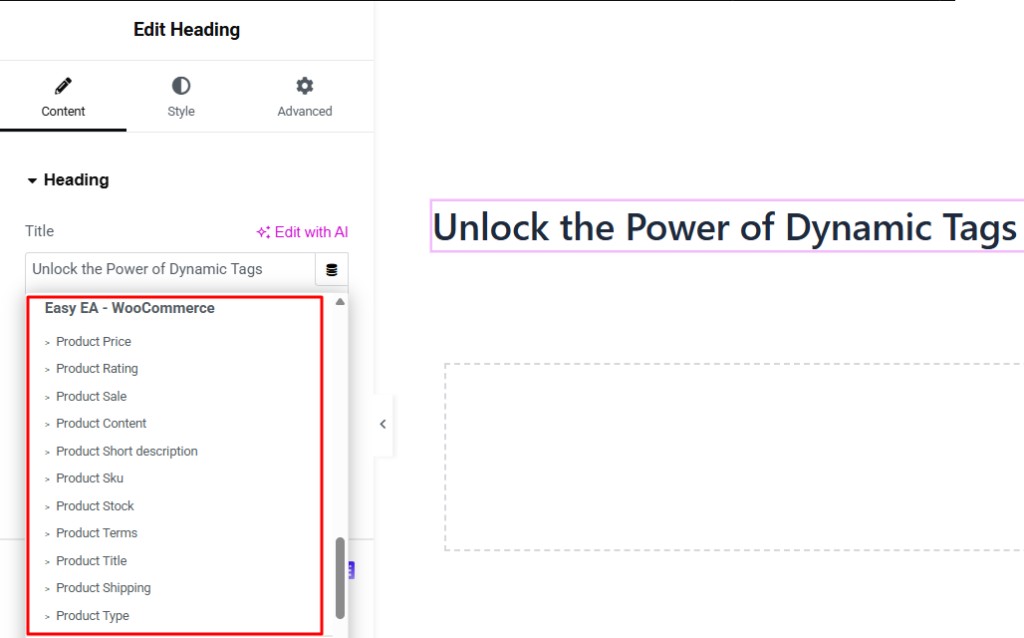
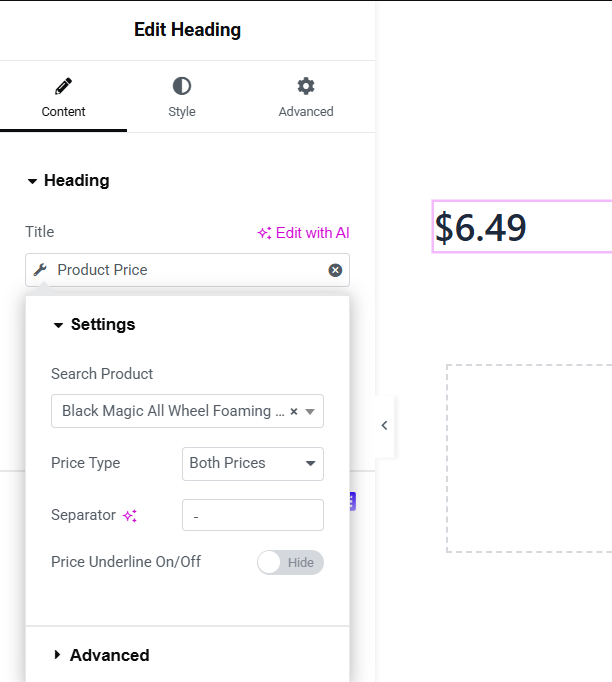
- Product Price: Displays product price.
- Product Rating: Shows product rating stars. Used for reviews display.
- Product Sale: Displays sale status or badge.
- Product Content: Shows full product description.
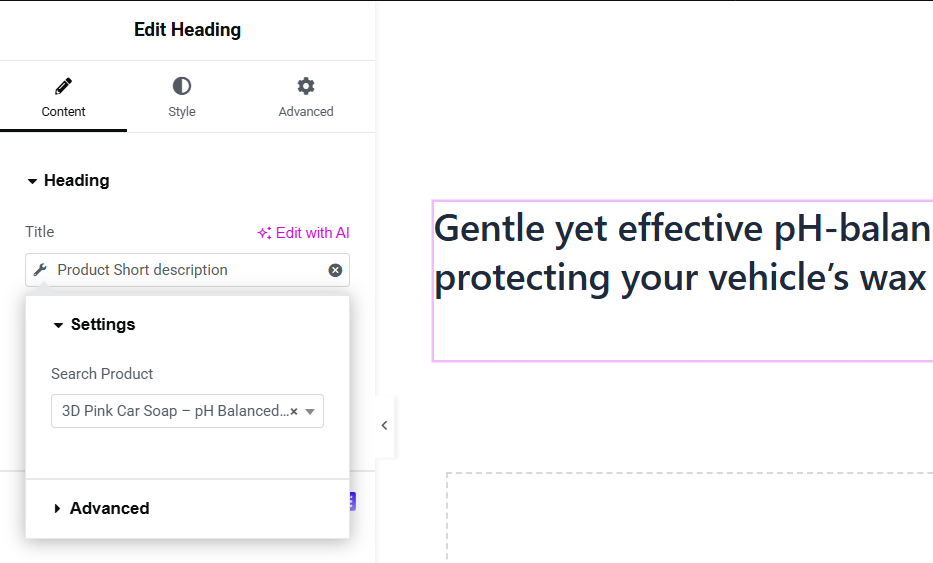
- Product Short Description: Displays brief product summary.
- Product SKU: Shows product SKU code.
- Product Stock: Displays stock availability.
- Product Terms: Shows product categories or tags.
- Product Title: Displays product name.
- Product Shipping: Shows shipping information.
- Product Type: Indicates product type (simple, variable, etc.).
Dynamic Product Price
Dynamic Product short description