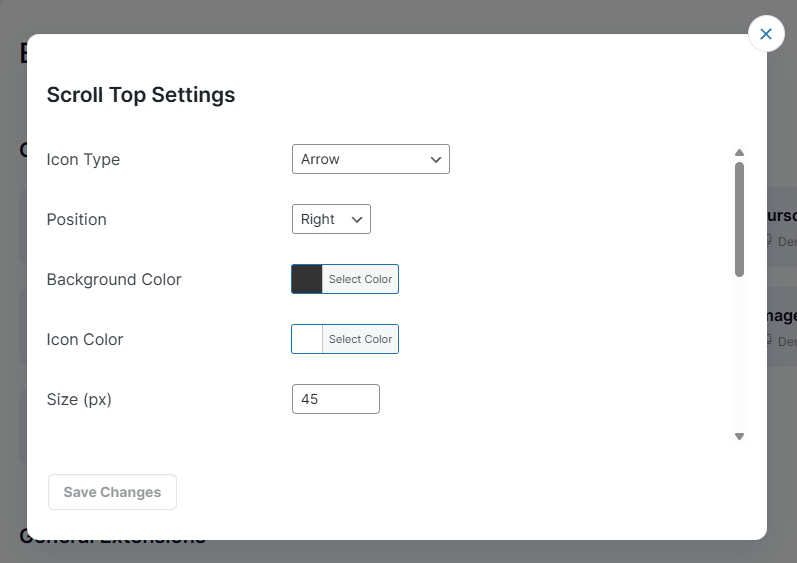
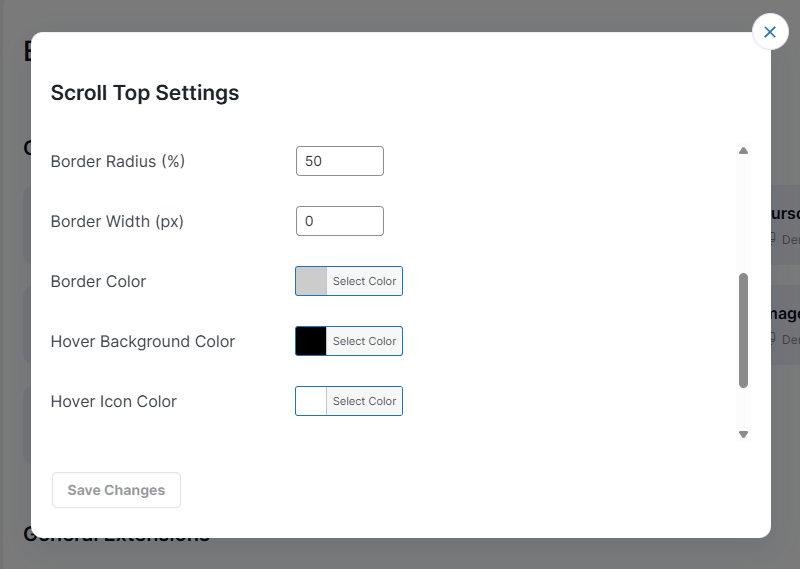
Scroll to Top feature adds a button that appears when users scroll down the page, allowing them to quickly return to the top of the website with a single click for better navigation and user experience.
Scroll to Top settings allow you to control the visibility, position, and behavior of the back-to-top button for smoother page navigation and improved user experience.
Go to Easy Elements → All Extensions → General Extensions → Scroll to Top to configure the back-to-top arrow button settings for smooth page navigation and better user experience.