The Product Collection Slider widget lets you showcase selected WooCommerce product collections in a smooth sliding carousel layout. It helps highlight featured, sale, latest, or popular products in an interactive and space-saving way for better engagement.
How to Use Product Collection Slider Widget of Easy Elements Pro
Step 1:
Add Product Collection Slider Widget:
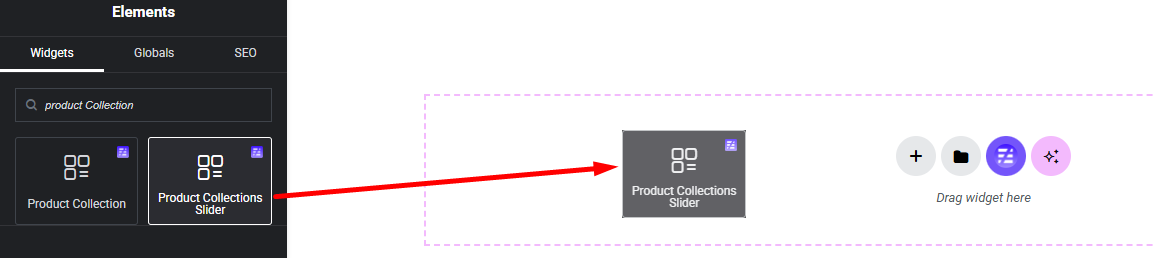
Select the Product Collection Slider widget from the left panel, then drag and drop it into your desired area on the canvas.
Step 2:
Product Collection Slider Options:
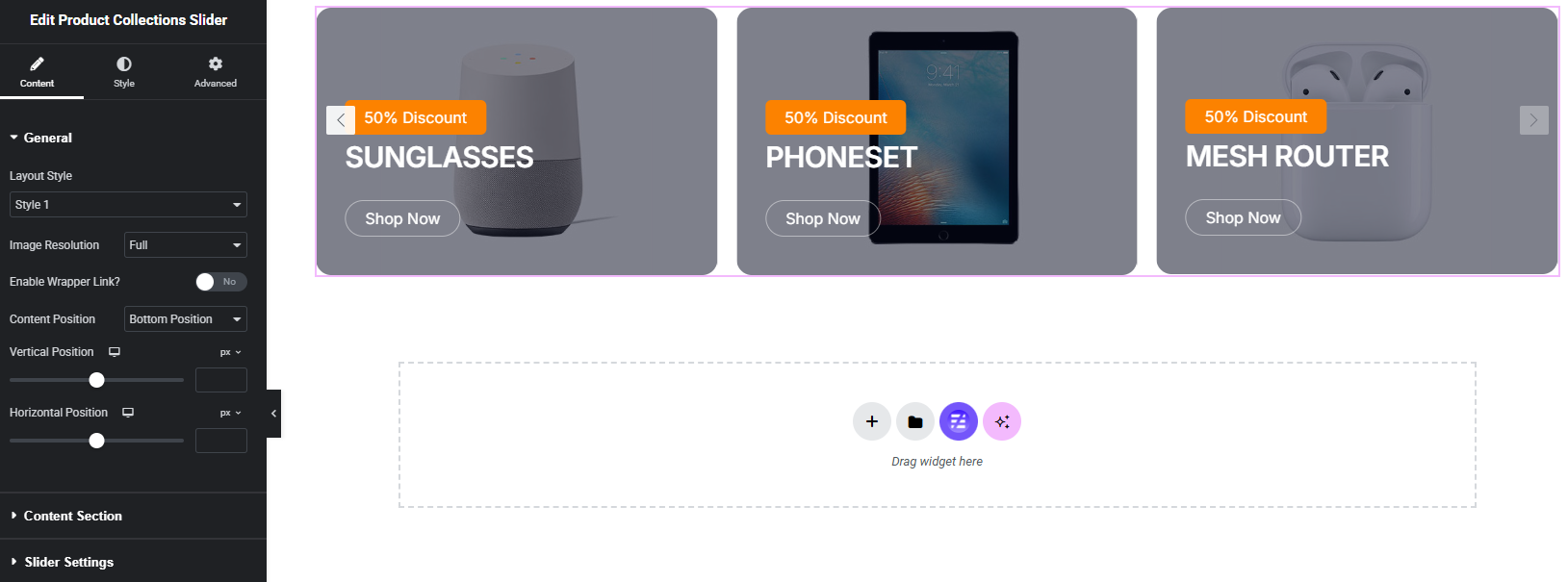
- General
- Content Section
- Slider Settings
General:
Content Section:
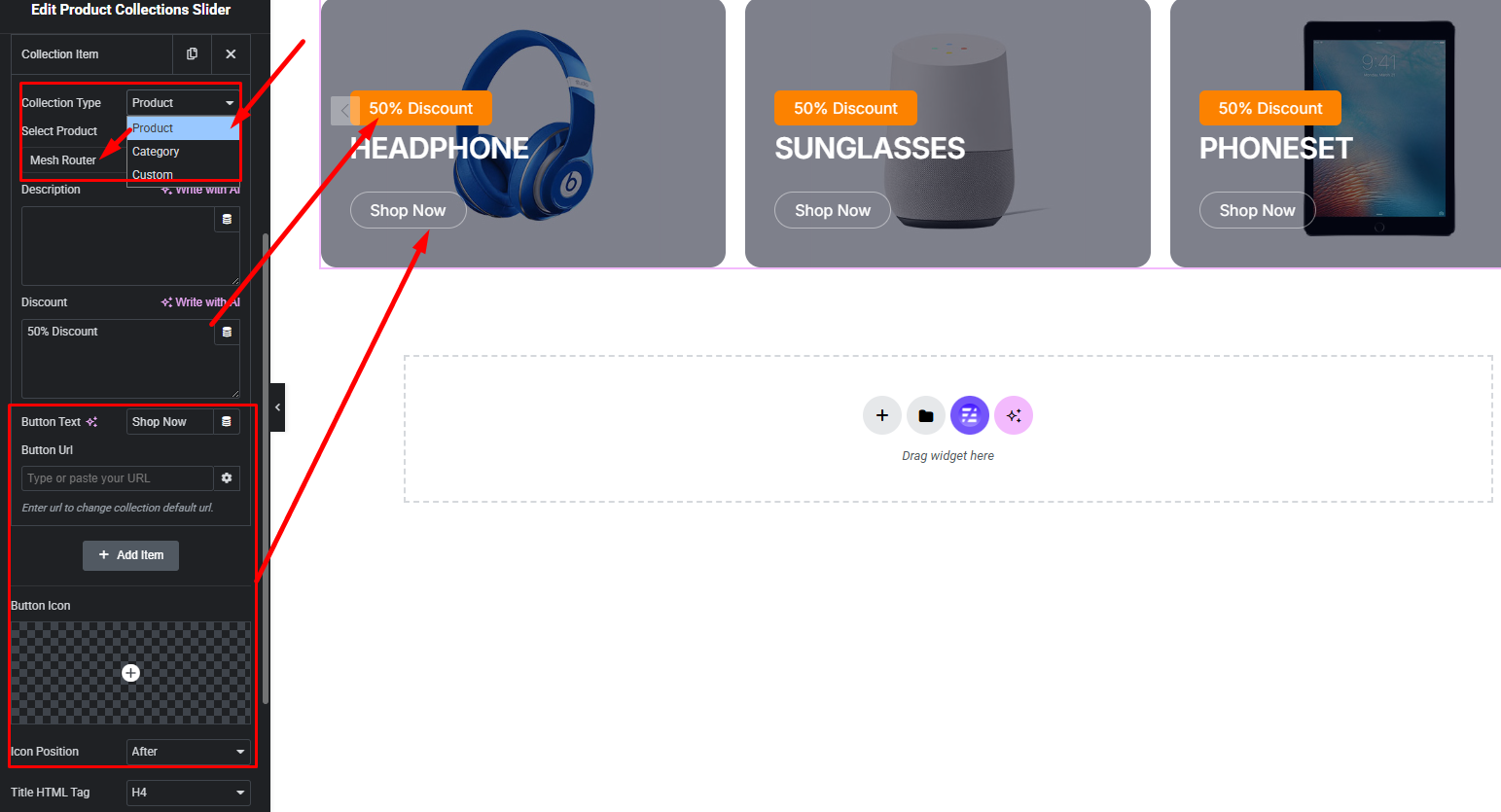
Collection Type:
- Product by
- Category by
- Custom
Step 3:
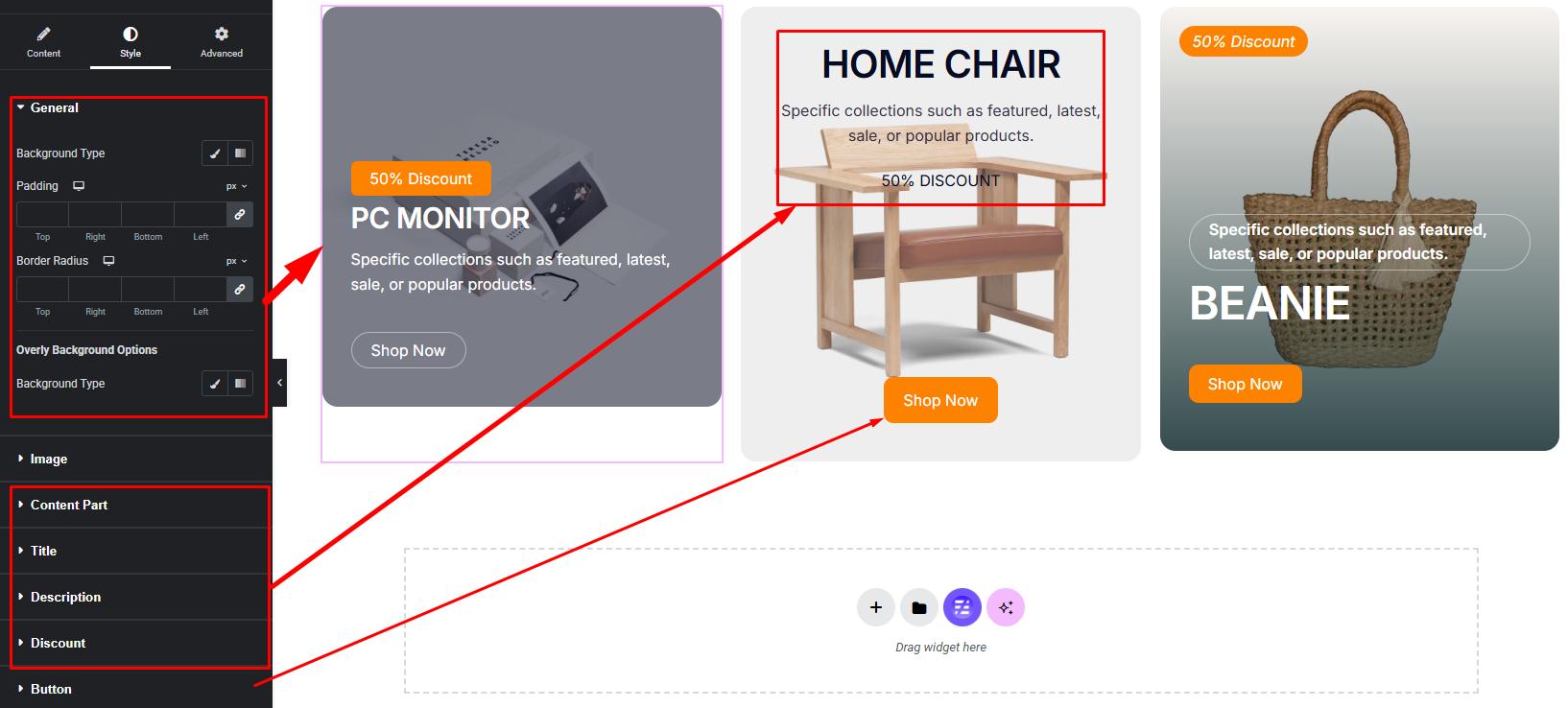
Customize Product Collection Slider Style:
Easily customize your widgets appearance including Item, Content Part, Title, Image, Button and more style — all from the Style panel.